1
GETTING STARTED
User Guide
Logging In
Registering for Online
Access
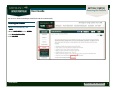
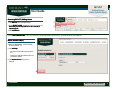
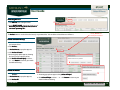
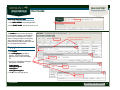
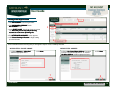
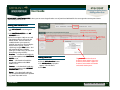
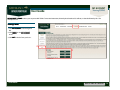
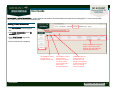
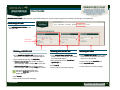
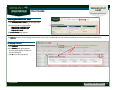
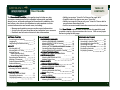
The Login screen is where you can log in if you are a returning customer, or create a new login if you are a new customer.
Logging In
1. Enter your User name.
2. Enter your Password.
Password
3. Click Login.
Login
2
3
1
1
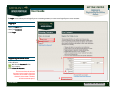
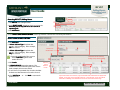
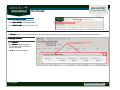
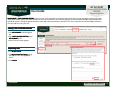
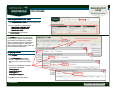
Registering for Online Access
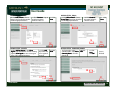
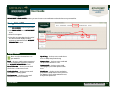
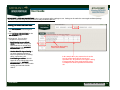
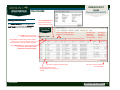
1. Fill in all boxes.
Note that the Password will be
case sensitive.
2. Click Create An Account.
Account
The Password must be at least 6
characters, must contain 1 lowercase
character, must contain 1 uppercase
character, must contain 1 number,
and cannot contain spaces.
Ver20140905
2
Back to TABLE OF CONTENTS
3