1
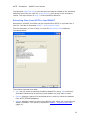
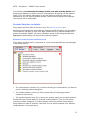
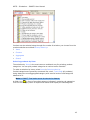
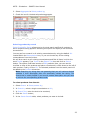
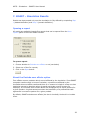
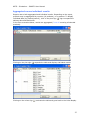
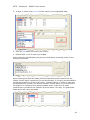
WITS – Simulation – SMART's User Manual Products can be selected using through four modes of selection you choose from the product selection area titled Select product by: Items Aggregates Clusters Search Selecting products by Item The selection by Items is the most common and basic way for selecting product categories. You can pick product categories at various levels of details. To make a selection by items, select Items in Select product by. Product categories are generally structured like a tree, Total trade (all products) being always the most aggregated category with several levels of sub-categories attached to it. Note: in SMART, Total trade cannot be selected as dataset. A folder icon ( ) in front of a product category indicates it contains sub-categories. Click on the category name to expand the branch and display the subcategories: 19