1
M4100 Series ProSAFE Managed Switches
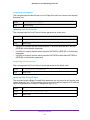
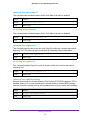
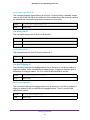
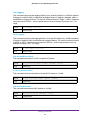
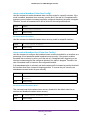
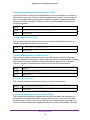
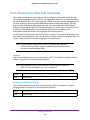
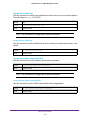
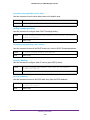
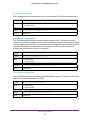
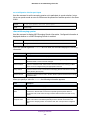
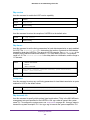
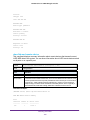
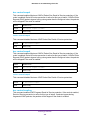
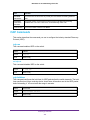
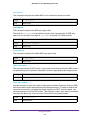
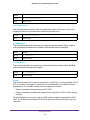
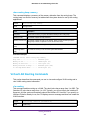
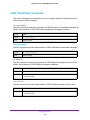
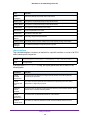
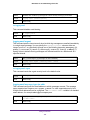
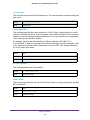
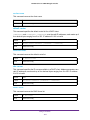
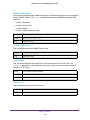
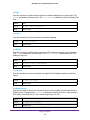
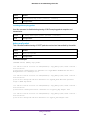
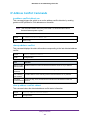
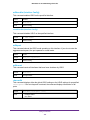
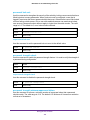
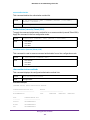
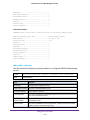
no login authentication
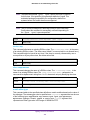
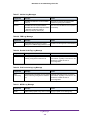
Use this command to return to the default specified by the login authentication
command.
Format
no login authentication {default | <list-name>}
Mode
Line Config
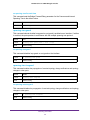
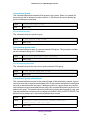
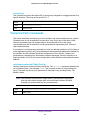
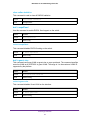
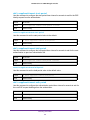
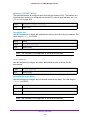
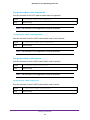
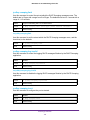
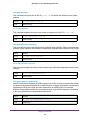
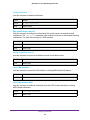
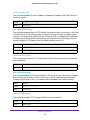
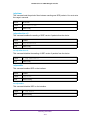
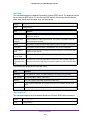
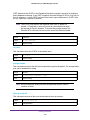
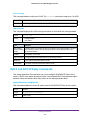
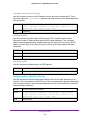
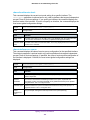
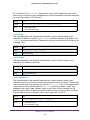
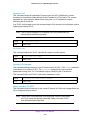
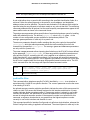
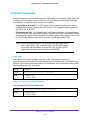
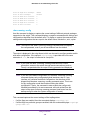
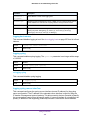
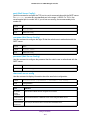
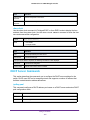
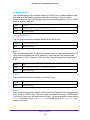
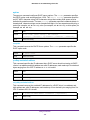
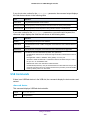
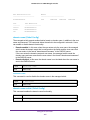
enable authentication
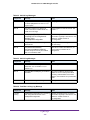
Use this command in line configuration mode to specify an authentication method list when
the user accesses a higher privilege level in remote telnet or console.
Format
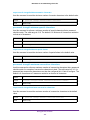
enable authentication {default | <list-name>}
Mode
Line Config
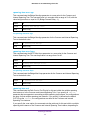
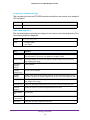
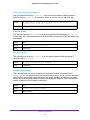
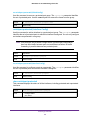
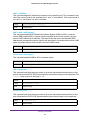
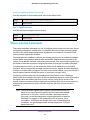
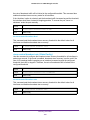
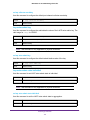
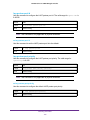
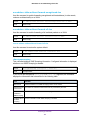
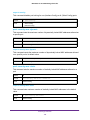
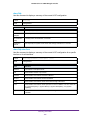
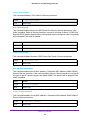
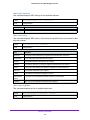
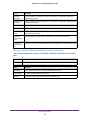
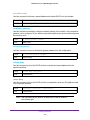
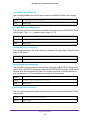
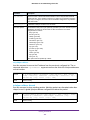
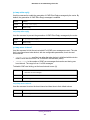
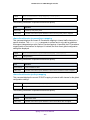
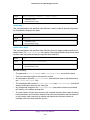
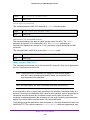
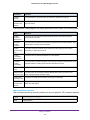
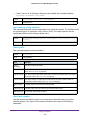
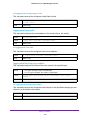
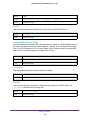
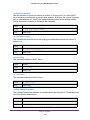
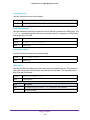
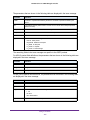
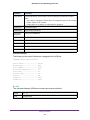
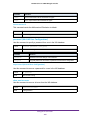
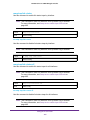
no enable authentication
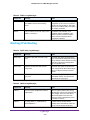
Use this command to return to the default specified by the enable authentication
command.
Format
no enable authentication {default | <list-name>}
Mode
Line Config
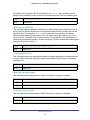
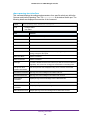
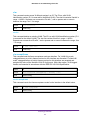
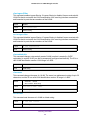
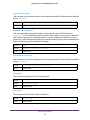
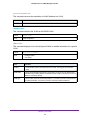
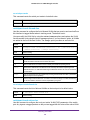
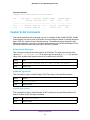
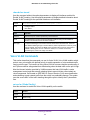
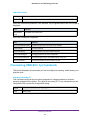
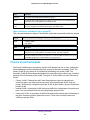
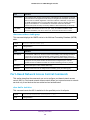
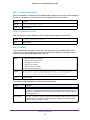
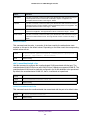
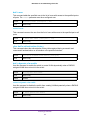
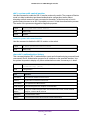
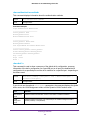
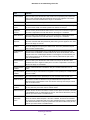
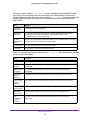
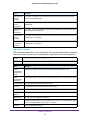
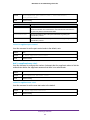
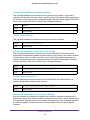
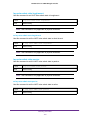
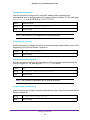
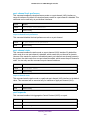
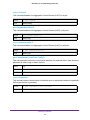
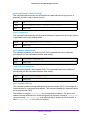
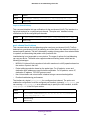
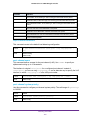
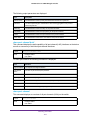
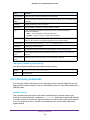
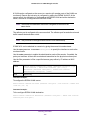
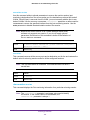
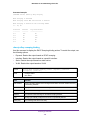
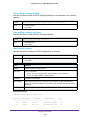
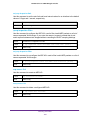
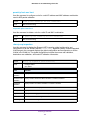
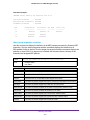
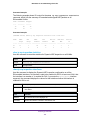
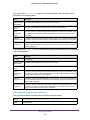
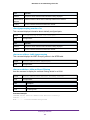
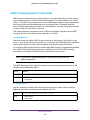
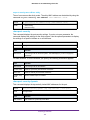
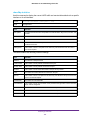
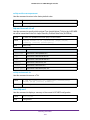
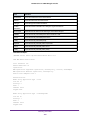
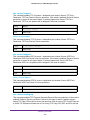
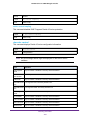
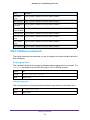
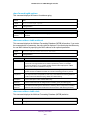
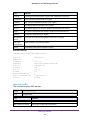
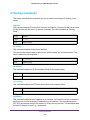
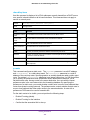
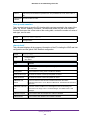
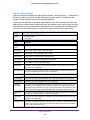
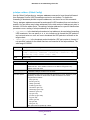
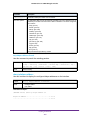
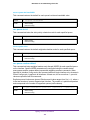
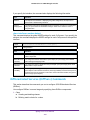
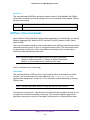
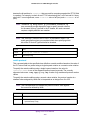
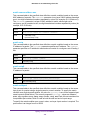
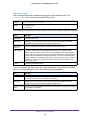
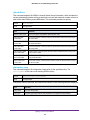
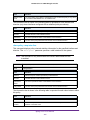
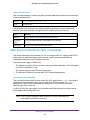
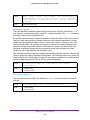
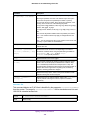
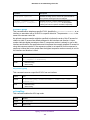
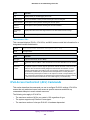
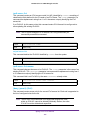
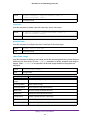
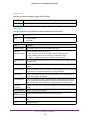
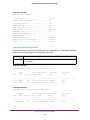
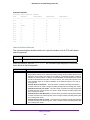
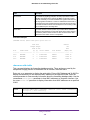
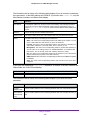
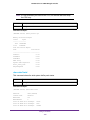
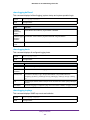
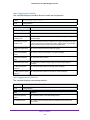
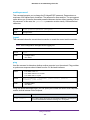
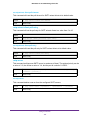
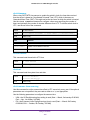
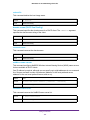
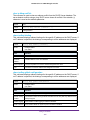
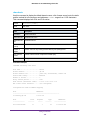
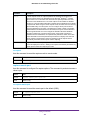
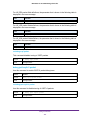
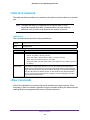
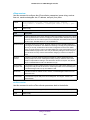
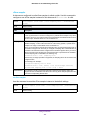
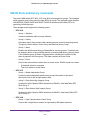
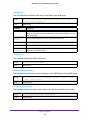
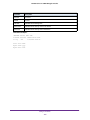
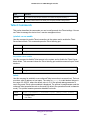
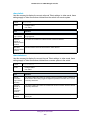
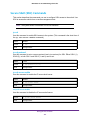
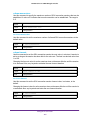
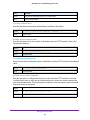
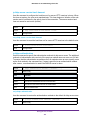
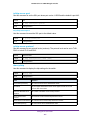
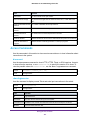
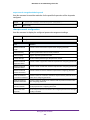
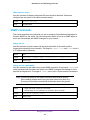
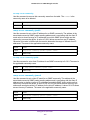
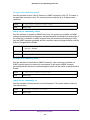
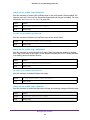
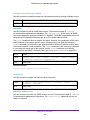
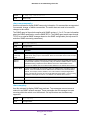
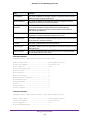
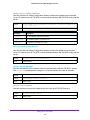
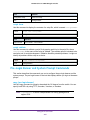
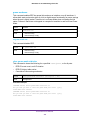
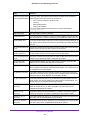
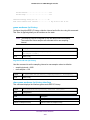
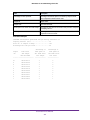
show serial
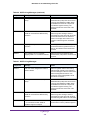
Use this command to display serial communication settings for the switch.
Format
show serial
Modes
•
•
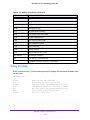
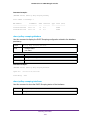
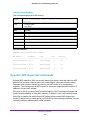
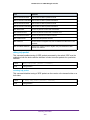
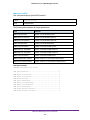
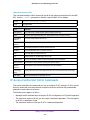
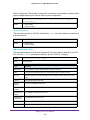
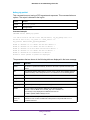
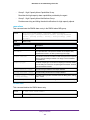
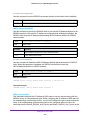
Term
Privileged EXEC
User EXEC
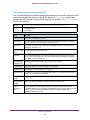
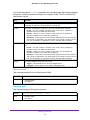
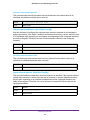
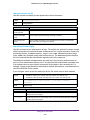
Definition
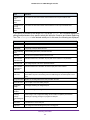
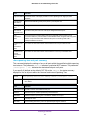
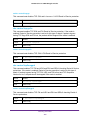
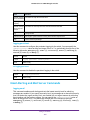
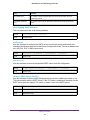
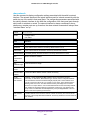
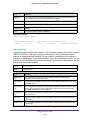
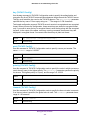
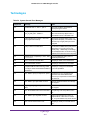
Serial Port Login The time, in minutes, of inactivity on a Serial port connection, after which the Switch will
Timeout
close the connection. Any numeric value from 0 through 160 is allowed, the factory
(minutes)
default is 5. A value of 0 disables the timeout.
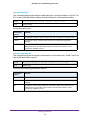
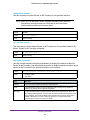
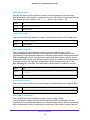
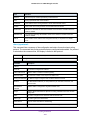
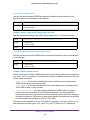
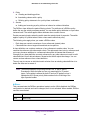
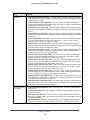
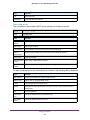
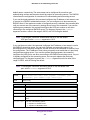
Baud Rate (bps)
The default baud rate at which the serial port will try to connect. The available values are
1200, 2400, 4800, 9600, 19200, 38400,57600, and 115,200 baud. The factory default is
9600 baud.
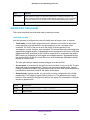
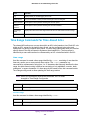
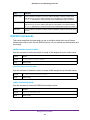
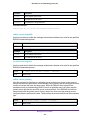
Character Size
(bits)
The number of bits in a character. The number of bits is always 8.
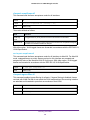
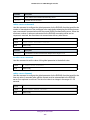
Flow Control
Whether Hardware Flow-Control is enabled or disabled. Hardware Flow Control is
always disabled.
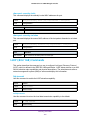
Management Commands
451