1
MARC User Manual — MARC Windows Reference
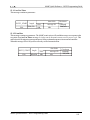
9.2.1.4.3 The Room Control Screen
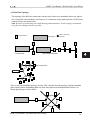
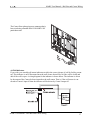
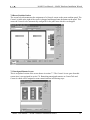
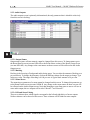
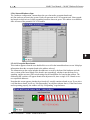
Each room in a group will have an associated room control station. This station contains the remotes
used to control audio in the room.
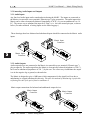
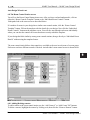
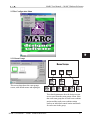
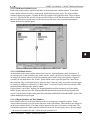
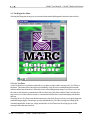
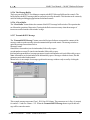
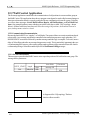
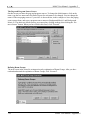
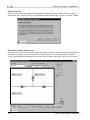
To reach the room control station screen for a room from the room combine screen, click the
icon in the room combine screen. The room control station for that group appears. A typical default
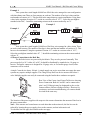
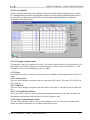
room control station is shown below.
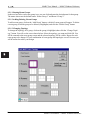
9.2.1.4.3.1 Adding/Deleting Remotes
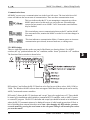
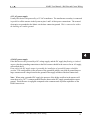
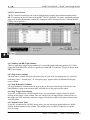
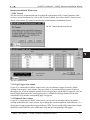
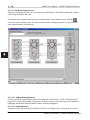
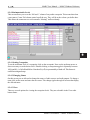
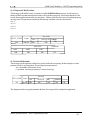
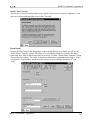
To add a remote to a room control station, click either the “Add Comet 4” or the “Add Comet Tail”
button. The remote will be added to the station. To delete a remote, select the remote to be deleted (it
highlights), then click the “Remove Remote” button. The remote disappears.
9.2.1.4.3.2 Naming Remotes
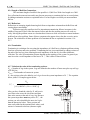
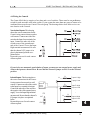
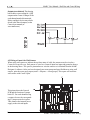
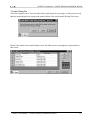
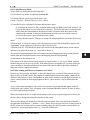
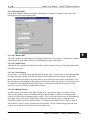
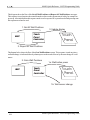
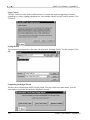
To name a remote, click on the box labelled “Click Here to Change Name” and type the new name.
70
MARC User Manual — MARC Windows Reference