1
Editor Programming Software User Manual
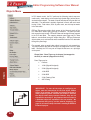
SLC 5/03, 5/04, and 5/05 DF1 Full Duplex
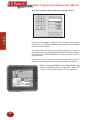
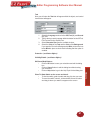
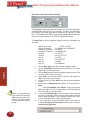
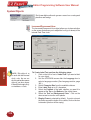
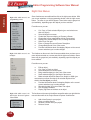
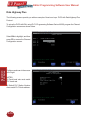
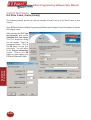
The following screens provide you with an
example of how to set up a SLC 500 Series
PLC with DF1 Full Duplex Protocol.
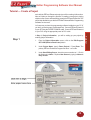
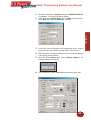
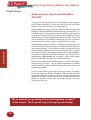
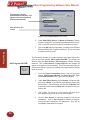
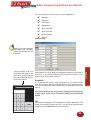
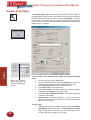
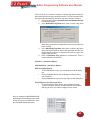
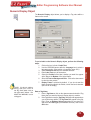
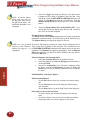
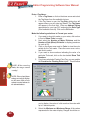
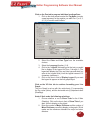
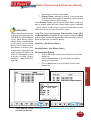
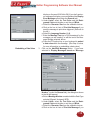
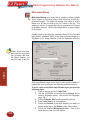
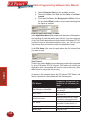
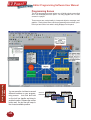
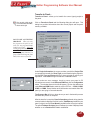
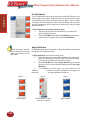
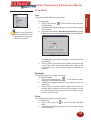
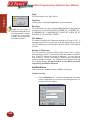
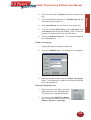
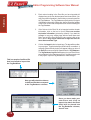
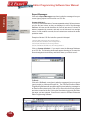
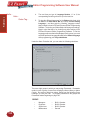
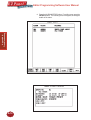
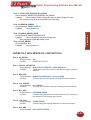
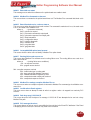
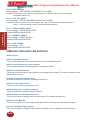
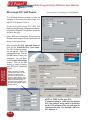
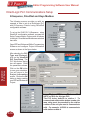
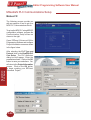
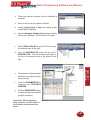
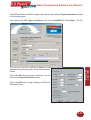
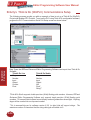
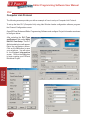
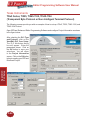
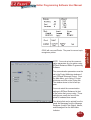
To set up the SLC 500 PLC (DF1 Full Duplex)
using RSLogix configuration software,
program the Channel Configuration screen
as shown to the right.
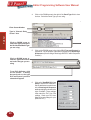
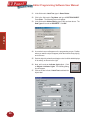
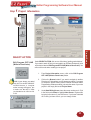
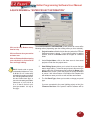
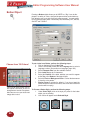
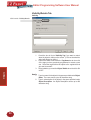
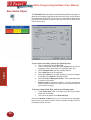
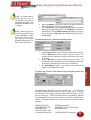
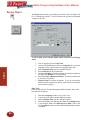
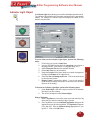
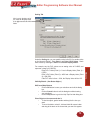
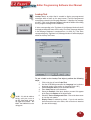
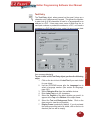
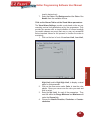
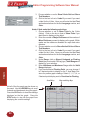
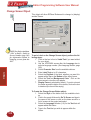
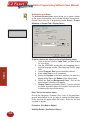
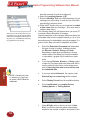
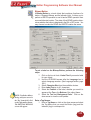
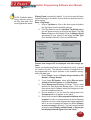
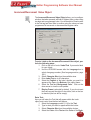
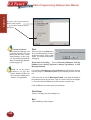
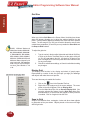
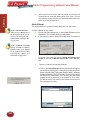
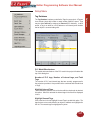
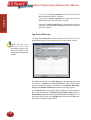
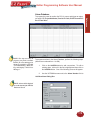
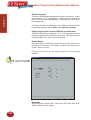
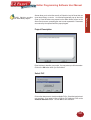
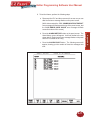
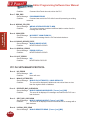
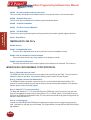
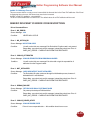
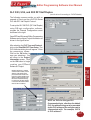
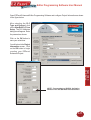
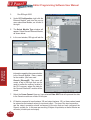
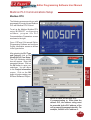
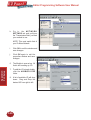
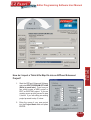
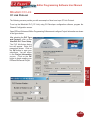
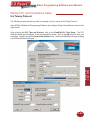
Open EZPanel Enhanced Editor Programming
Software and configure Project Information as
shown in the figure below.
Appendix C
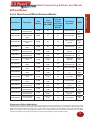
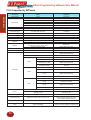
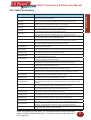
PLC Setup
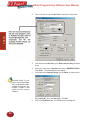
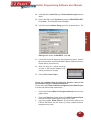
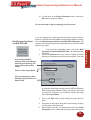
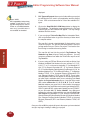
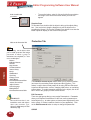
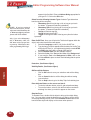
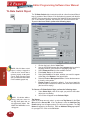
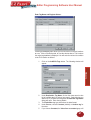
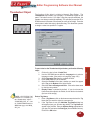
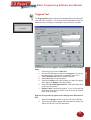
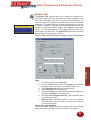
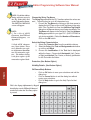
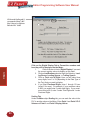
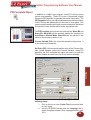
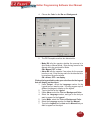
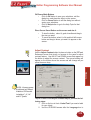
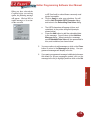
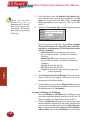
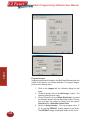
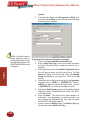
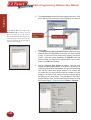
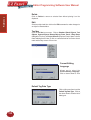
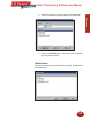
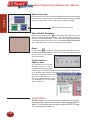
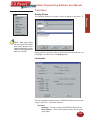
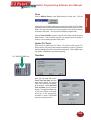
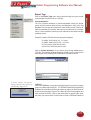
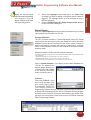
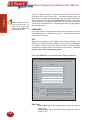
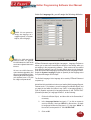
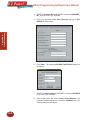
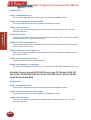
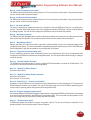
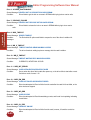
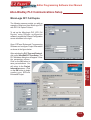
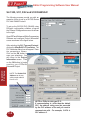
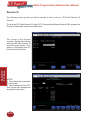
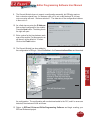
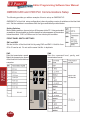
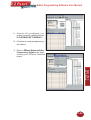
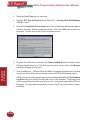
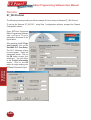
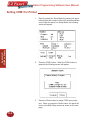
After selecting the PLC Type and Protocol,
click on the View/Edit PLC Com Setup.
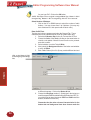
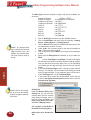
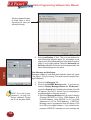
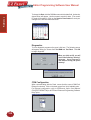
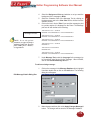
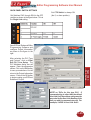
The PLC Attributes dialog box will appear.
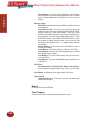
Enter the parameters shown. Click on the
OK button to save your selections. You will
return to the Project Information screen.
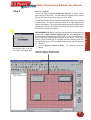
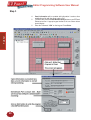
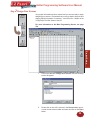
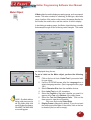
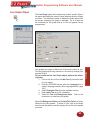
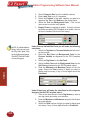
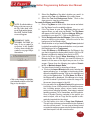
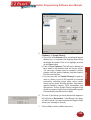
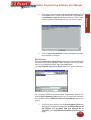
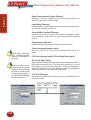
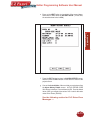
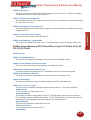
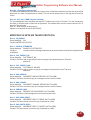
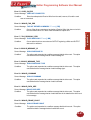
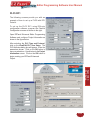
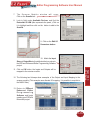
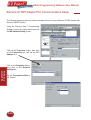
Click on the OK button to
begin creating your EZPanel
Enhanced Project.
C-6