1
ISO 9001 CERTIFIED
www.liteputer.com.tw
▲ F9:EDIT PATCH
This device has patch function.
On EDIT PATCH menu, user can check build-in patch setting and modify the patch
setting.
Press
FCN
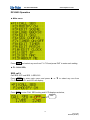
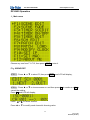
to enter the main menu and then press ▲ or ▼ to select F1~F13.
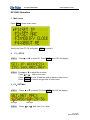
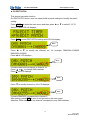
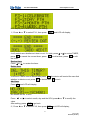
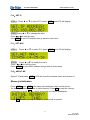
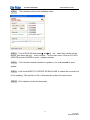
Select F9 and LCD will displays,
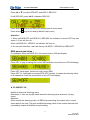
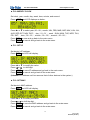
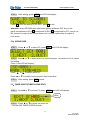
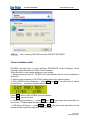
Press ENT to enter EDIT PATCH setting and LCD will display,
Blink
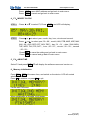
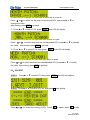
Press ▲ or ▼ to modify the channel no., for example, DMX0001=CH0025
DMX0255=CH0002
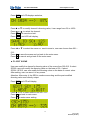
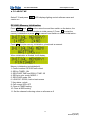
Press ▲ till LCD displays ,
Blink
It means DMX0001correspond to channel 25.
Press
or
to change DMX address.
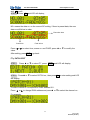
Press
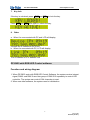
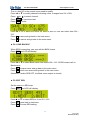
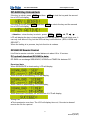
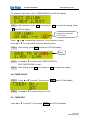
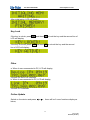
till LCD displays,
Blink
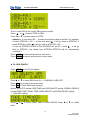
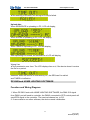
Press ▼ to modify channel no. till LCD displays,
Blink
It means DMX0255 corresponds to channel 2.
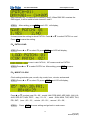
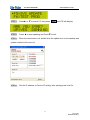
After setting, press ENT to save it and go back to the main menu.
Attention: Patch can make any channel correspond to any DMX address.
18
Lite- Puter
DP-E450 [EUM-C]