1
DANUR COMPUTERFLIGHT SYSTEMS
Flight Operation Center
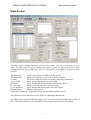
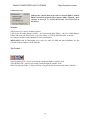
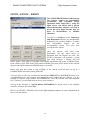
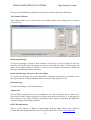
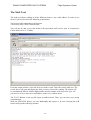
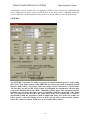
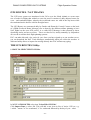
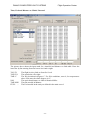
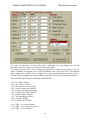
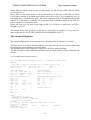
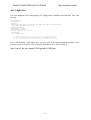
To create an adventure, use the menu above. Generally, you can simply press the FS
Adventure button to create an adventure with default options.
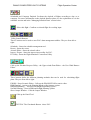
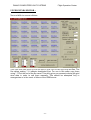
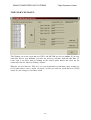
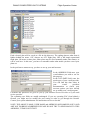
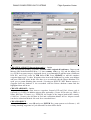
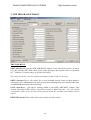
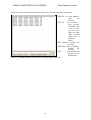
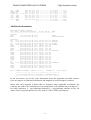
The different options allow you to change the adventure. Experiment with them to see the
effects. Pushback will prompt you to ask for Pushback from a gate before taxi. The different
other options allow failures such as engine fires, Cabin Decompression and much more to
develop. The checkmarks above allow different adventure features to be disabled or enabled.
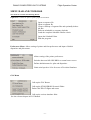
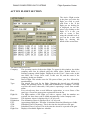
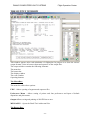
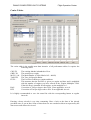
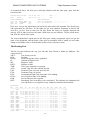
NOTICE THE FOLLOWING ADVENTURE KEYLIST:
- key 0 to display keylist
- key 1 for report / contact
- key 2 ask request repeat message
- key 3 switch Autoreport ON/OFF
- key 4 Jump to D5 actual Waypoint
- key 5 switch ADV-FMC ON/OFF
- key 6 Copilot mode ON/OFF
- key 7 Weather-Report (FS98)
- key 8 Chatter ON/OFF
- key 9 Scroll Text ON/OFF
- key CTRL + c to quit adventure
- key CTRL + e to switch emergencies..
- key CTRL + i for checklists
- 65 -