1
Chapter 15
Synchronizing Hardware with Logic Pro
609
■
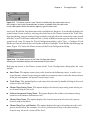
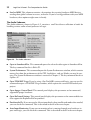
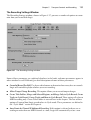
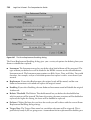
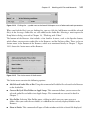
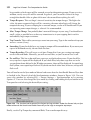
Auto Enable External Sync. With this option selected, Logic will synchronize to its own
internal clock until it receives a synchronization signal from an external device in either
MTC or Tempo Interpreter format. Logic will automatically sync to the first synchronization
signal it receives. This is very important—make sure Logic doesn’t receive multiple
synchronization signals simultaneously! That will cause Logic to synchronize to the wrong
source (or throw up an error message if it is truly confused).
■
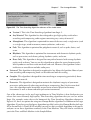
Frame Rate [fps]. Frame rate refers to how many frames per second are set. A frame is
the basic unit because most often these formats were used to synchronize audio to picture,
and pictures raced by at a certain number of frames per second, depending on the format.
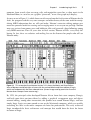
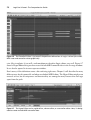
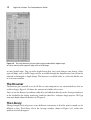
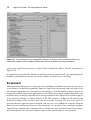
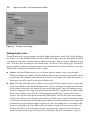
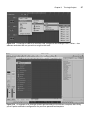
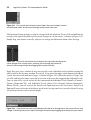
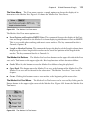
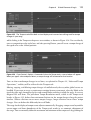
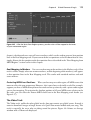
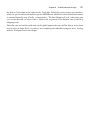
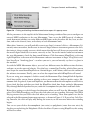
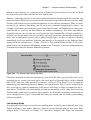
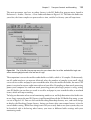
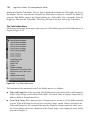
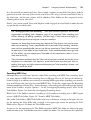
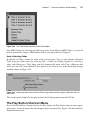
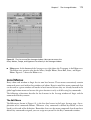
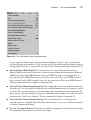
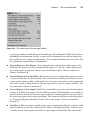
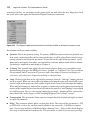
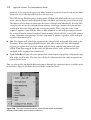
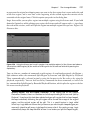
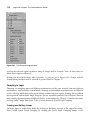
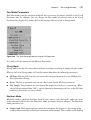
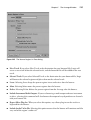
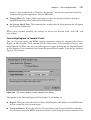
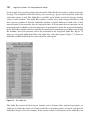
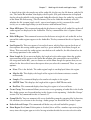
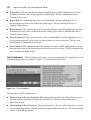
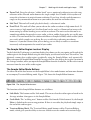
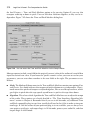
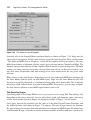
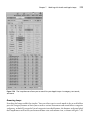
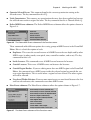
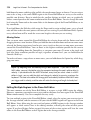
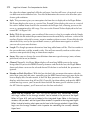
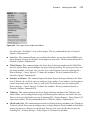
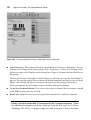
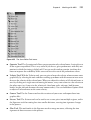
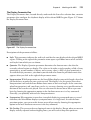
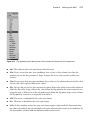
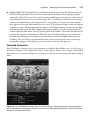
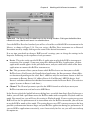
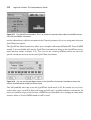
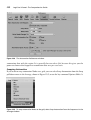
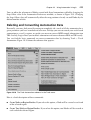
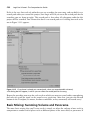
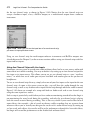
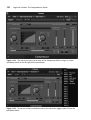
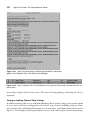
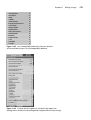
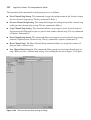
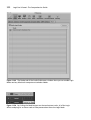
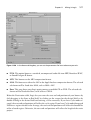
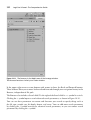
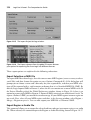
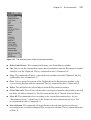
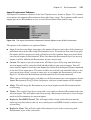
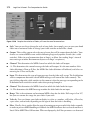
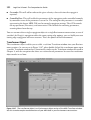
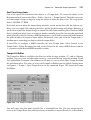
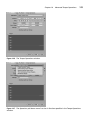
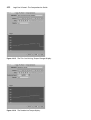
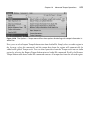
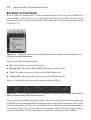
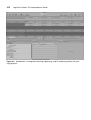
Figure 15.3 shows the pull-down menu for the Frame Rate option.
Figure 15.3 The Frame Rate pull-down menu.
The Frame Rate options include the following:
■
24. The frame rate for motion pictures.
■
25. This frame rate is common in Europe for PAL video and audio.
■
(30d). This format stands for 30 fps drop frame. This means that a certain number of
frames are dropped from the normal 30 per second. This format is unusable in Logic
because it cannot handle it in real time. This is why the option is in parentheses.
■
30. This frame rate is no longer common in the United States for NTSC video and audio.
■
29.97d. This is a more usable, real-time version of the 30d format. It is common in the
United States for NTSC video and audio.
■
29.97. As above, but without frame drop. This format is rarely used because the 29.97d
format is far more accurate for synchronizing audio and video.
■
23.976. This is 24 fps at 99.9 percent of full speed, generally used for transferring 24-fps
film to NTSC video.