1
40
Chapter 38 – Configuring Output Devices
5.
6.
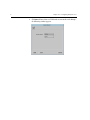
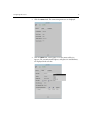
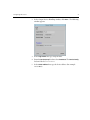
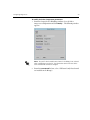
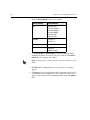
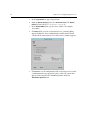
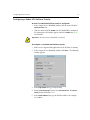
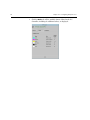
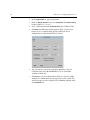
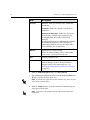
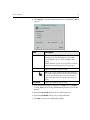
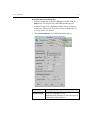
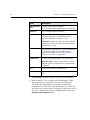
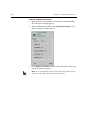
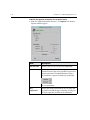
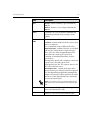
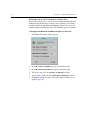
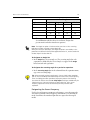
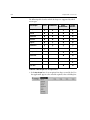
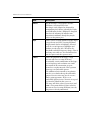
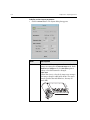
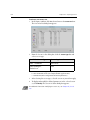
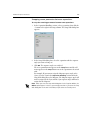
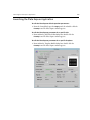
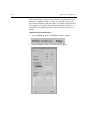
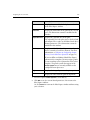
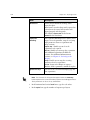
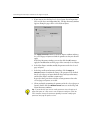
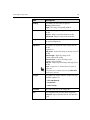
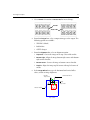
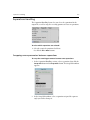
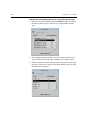
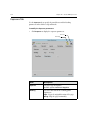
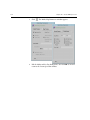
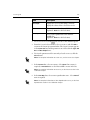
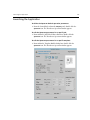
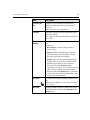
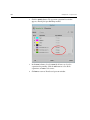
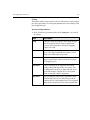
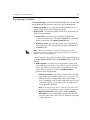
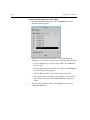
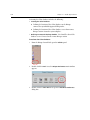
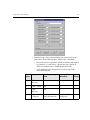
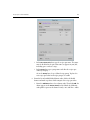
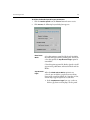
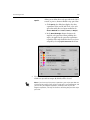
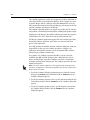
From the Device Model list box, select a model.
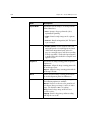
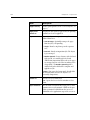
Device Family
Device Model
HP
Improof 650C
Improof 1050CP
Improof 2000CP
Improof 3000CP
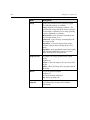
Improof 650C
Improof 650C
Iriswide
Iriswide 43
Iriswide 62
ENCAD
NovaJet Pro 50
Gerber
IMPRESS
IMPRESS 2000
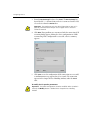
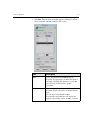
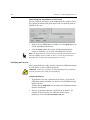
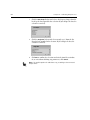
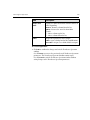
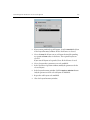
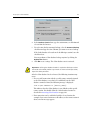
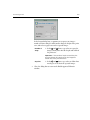
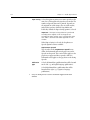
Select Parallel Port or TCP/IP address, as the data communication
method. If TCP/IP is selected, type the device address in the TCP/IP
address box (for example: 192.9.100.2)
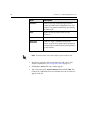
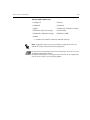
Note: The Parallel Port is a direct connection and does not require a TCP/IP
address.
7.
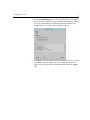
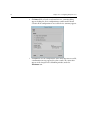
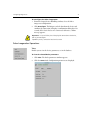
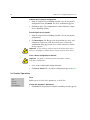
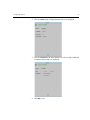
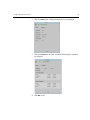
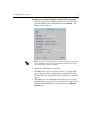
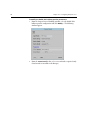
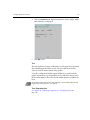
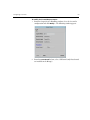
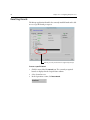
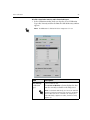
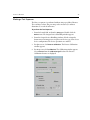
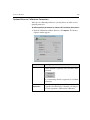
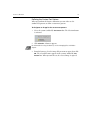
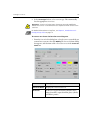
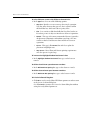
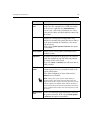
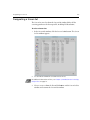
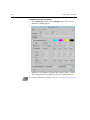
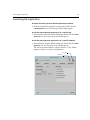
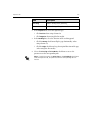
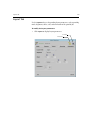
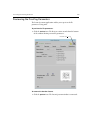
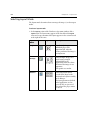
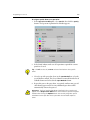
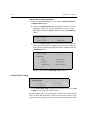
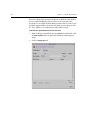
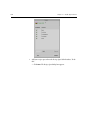
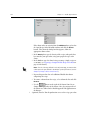
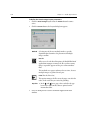
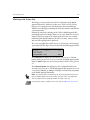
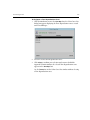
Click Next. If the configuration was successful a device summary
appears.
8.
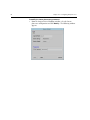
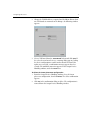
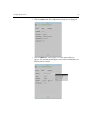
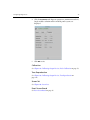
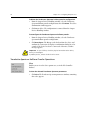
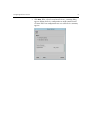
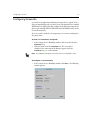
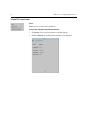
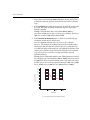
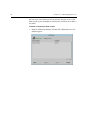
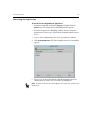
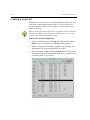
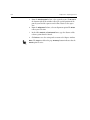
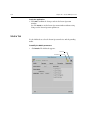
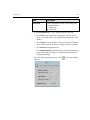
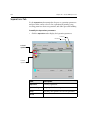
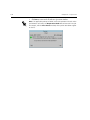
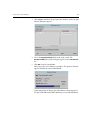
Click Save to save the configuration. If the connection was successful,
a confirmation message appears for a few seconds. The connection
appears in the Output Devices Handling window, under the Improof
icon.