1
—————————— Table of Conten ——————————
Main Feature .................................................................................................................................... 4
Install and Use.................................................................................................................................. 5
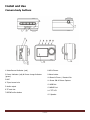
Camera body buttons .................................................................................................................. 5
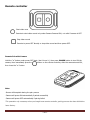
Remote controller ....................................................................................................................... 6
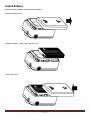
Install Battery ............................................................................................................................ 7
Close back cover......................................................................................................................... 7
Install Memory Card .................................................................................................................... 8
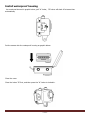
Install waterproof housing ........................................................................................................... 9
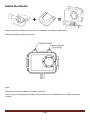
Install the Mounts ..................................................................................................................... 10
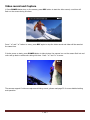
Video record and Capture .......................................................................................................... 11
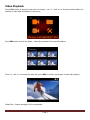
Video Playback ......................................................................................................................... 12
Browse Pictures ........................................................................................................................ 13
Delete files ............................................................................................................................... 14
Connect to Television ................................................................................................................ 15
Connect with Computer ............................................................................................................. 17
Battery Power Charge ...................................................................................................................... 18
Charge by computer ................................................................................................................. 18
Charge by Wall charger ............................................................................................................. 19
Charge by Cigar lighter charger .................................................................................................. 19
Full charge time and Using time ................................................................................................. 21
Battery Icon instruction ............................................................................................................. 21
System Menu .................................................................................................................................. 22
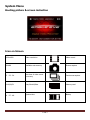
Booting picture & screen instuction............................................................................................. 22
Icon on Screen ......................................................................................................................... 22
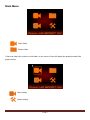
Main Menu ............................................................................................................................... 23
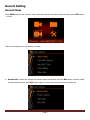
Record Setting ................................................................................................................................ 24
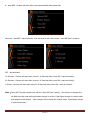
Record Mode ............................................................................................................................ 24
Loop Record ............................................................................................................................. 28
~2~