1
Software Tools
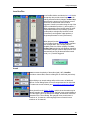
Signal Path Identifier
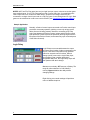
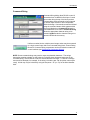
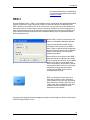
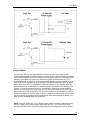
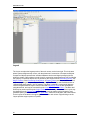
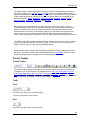
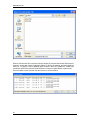
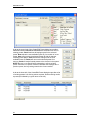
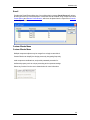
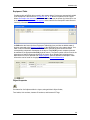
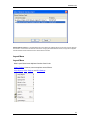
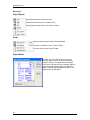
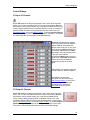
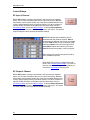
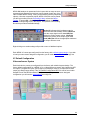
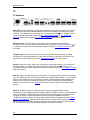
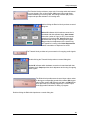
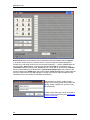
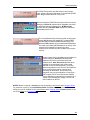
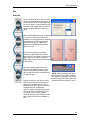
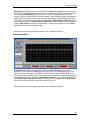
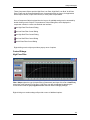
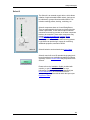
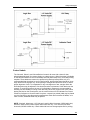
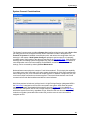
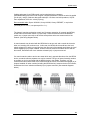
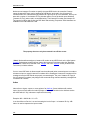
Provides a temporary color-coded identification of all signal paths (Lines) which are associated
with a selected Line Object. See example below, where the selected input is shown as being
routed to three outputs. Signal Path Identifier is represented by a thin dashed red line. However,
the Signal Path Identifier color may be changed in Display Options. When using Signal Path
Identifier on a compiled design, propagation delay will appear in the Status Bar. Persistent
Signal Path Identifier is available in Normal Mode (follows subsequent line selections), Locked
Mode (remains on original line selection), or Off (temporary selection). If the selected Line
Object includes identifying text (see Line Property Sheet), that text will be temporarily imposed
on all lines being indicated by Signal Path Identifier.
Options
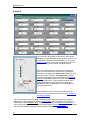
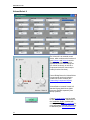
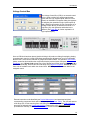
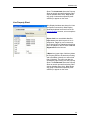
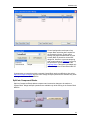
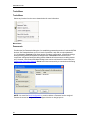
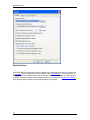
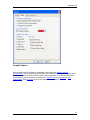
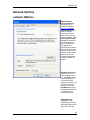
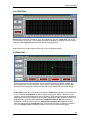
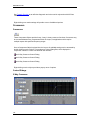
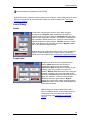
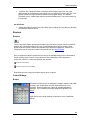
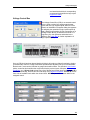
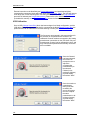
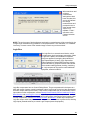
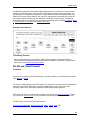
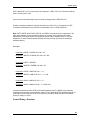
Allows global options to be selected, which affect software behavior. An Options dialog box
appears, with four tabs: General; Display; Compile; and Network.
see General Options
see Display Options
see Compile Options
see Network Options
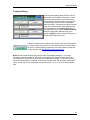
General Options
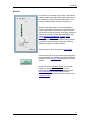
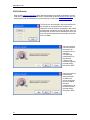
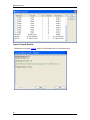
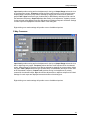
Allows Data Files (system designs) and Processing Libraries (Component Objects) to be saved to
specified directory locations. Allows Save AutoRecover time to be adjusted or disabled. Allows
most recent Component Object selection to be retained, for repeated placement into Layout.
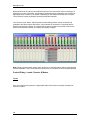
Allows Meter activity to be disabled (locked), to reduce network data traffic. Allows Preset Buttons
to display identifier numbers, or simply the word 'Recall'. Allows docking capability of Bird's Eye
View to be enabled. Allows default Grid "ON" for new Layouts to be disabled. Allows Start Audio
to be prompted, automatic, or manual when sending new configuration.
61