1
User Manual
Edition January 2014
TEMPPO V6.1
TEMPPO Administrator
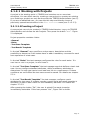
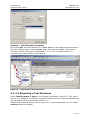
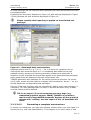
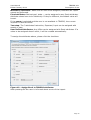
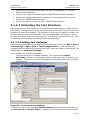
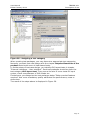
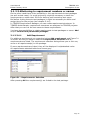
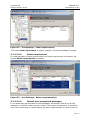
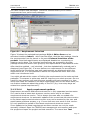
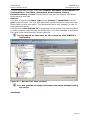
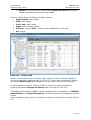
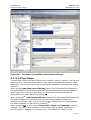
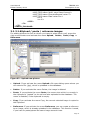
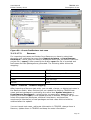
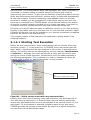
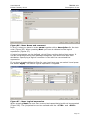
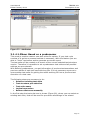
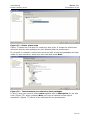
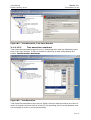
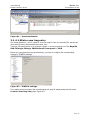
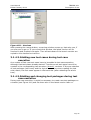
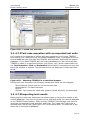
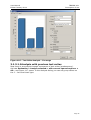
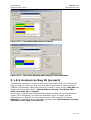
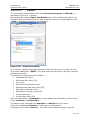
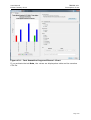
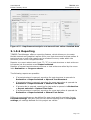
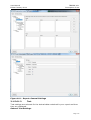
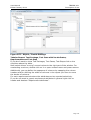
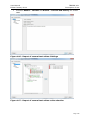
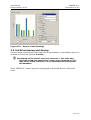
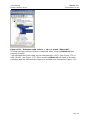
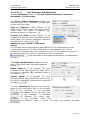
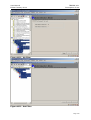
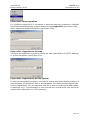
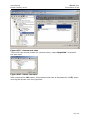
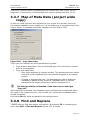
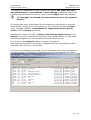
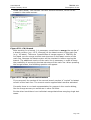
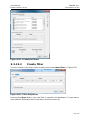
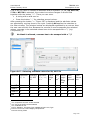
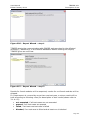
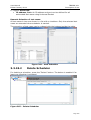
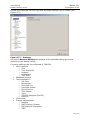
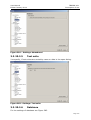
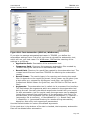
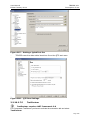
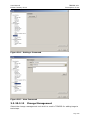
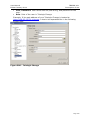
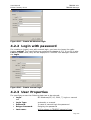
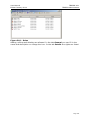
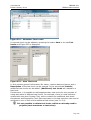
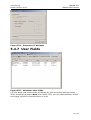
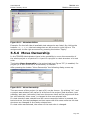
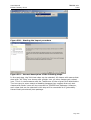
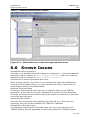
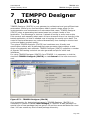
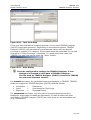
Figure 341 – Metadata Editor
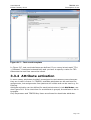
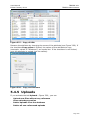
Example: On the left side all available test categories are listed. By clicking the
buttons >>, >, <,<< the test categories can be moved to right list box. The
assignments on the right are saved by pressing the button “Apply”.
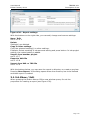
5.5.6 Move Ownership
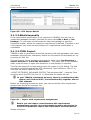
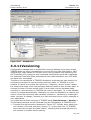
In the TEMPPO Administrator there is the possibility to move the ownership of
the whole project or of parts of it. A part of a project is a test structure or a test
suite.
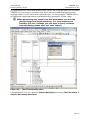
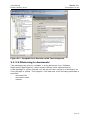
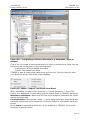
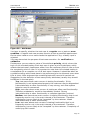
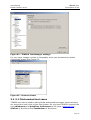
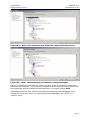
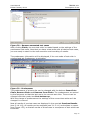
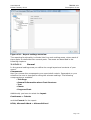
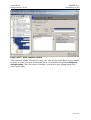
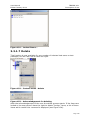
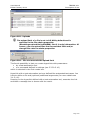
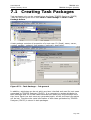
The button Move Ownership in the project tab (see Figure 337) is enabled, if a
project (or a test structure or a test suite) is selected.
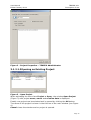
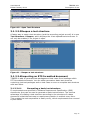
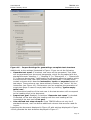
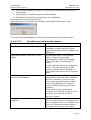
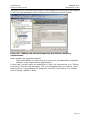
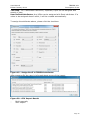
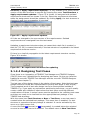
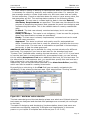
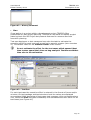
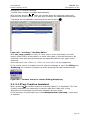
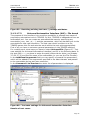
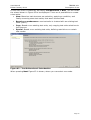
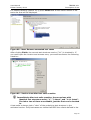
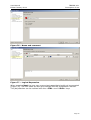
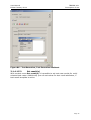
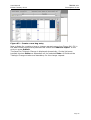
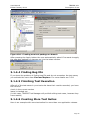
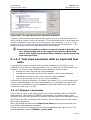
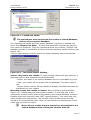
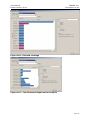
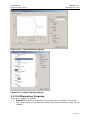
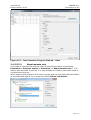
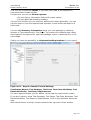
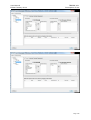
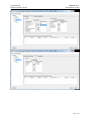
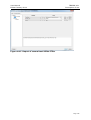
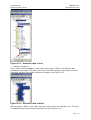
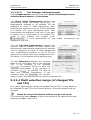
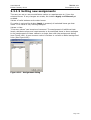
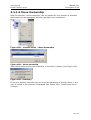
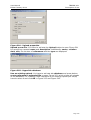
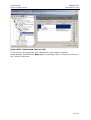
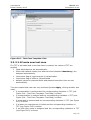
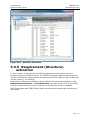
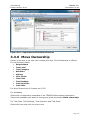
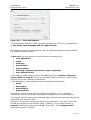
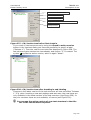
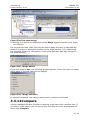
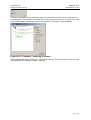
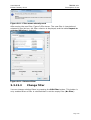
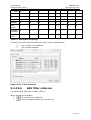
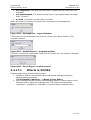
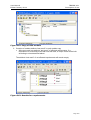
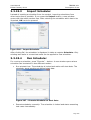
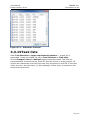
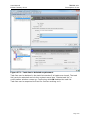
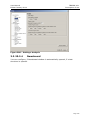
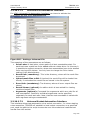
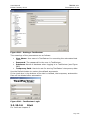
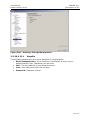
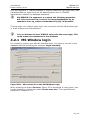
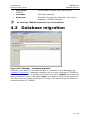
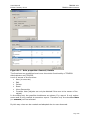
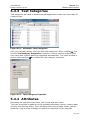
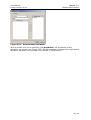
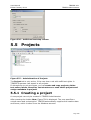
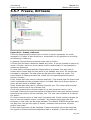
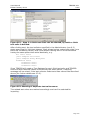
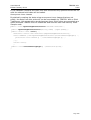
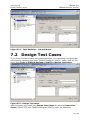
After pressing the button “Move Ownership” the following dialog comes up.
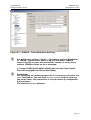
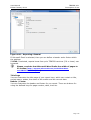
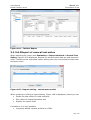
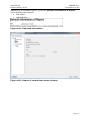
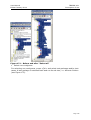
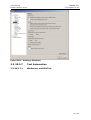
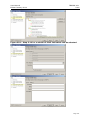
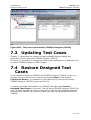
Figure 342 – Move Ownership
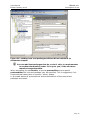
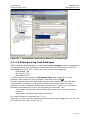
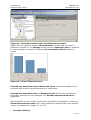
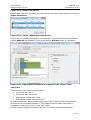
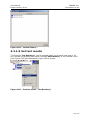
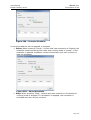
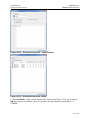
The new owner of the project (or part of it) can be chosen. By clicking “ok” and
a project was selected, the owner of all items of the project (test structure, test
package, test case, test suite) that have the same owner as the project and that
are not locked by other users, is changed to the new selected one.
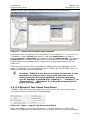
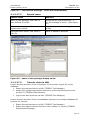
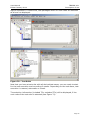
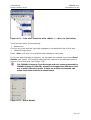
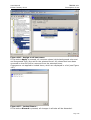
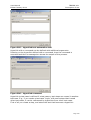
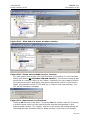
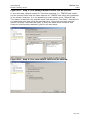
If a test structure was selected and the move ownership button is pressed, the
test structure, the test packages and test cases with the same owner as the test
structure are changed to the newly selected one.
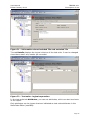
If a test suite was selected, the owner of the test suite is changed.
Page 261