1
User Manual
Edition January 2014
TEMPPO V6.1
TEMPPO Manager
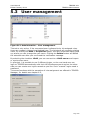
User management in TEMPPO Manager is used to create the first super user, who
has afterwards the rights to do all the administrative work in TEMPPO
Administrator without any database password.
SQLSERVER: if a superuser is created, the following procedure
has to be executed via a console or EnterpriseManager by an
sysadmin: exec sp_addsrvrolemember N’$(sid)’,N’sysadmin’
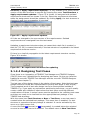
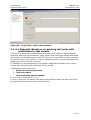
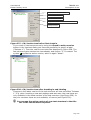
The first step is to create a super user, that can either be with MS Window login
or a self created one with password.
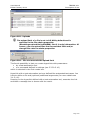
It is not allowed to start TEMPPO twice with the same login. This
could cause inconsistencies in the database
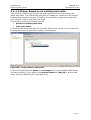
4.2.1 MS Window login
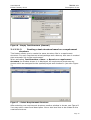
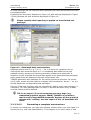
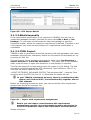
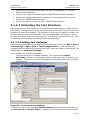
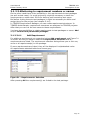
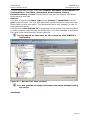
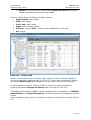
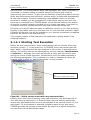
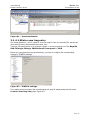
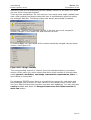
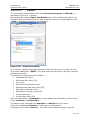
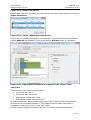
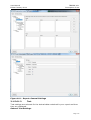
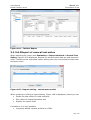
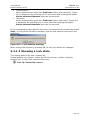
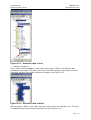
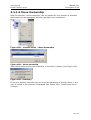
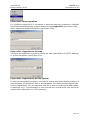
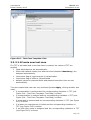
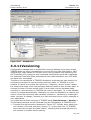
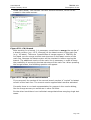
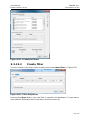
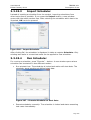
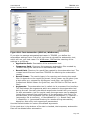
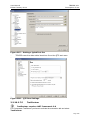
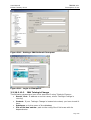
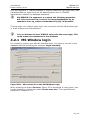
For creating a (super) user with MS Windows login, you have to connect to the
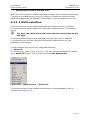
database without activating the checkbox Login manually.
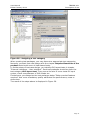
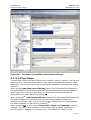
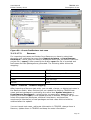
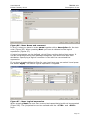
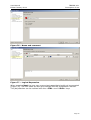
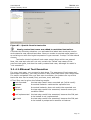
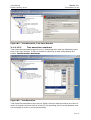
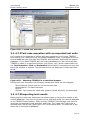
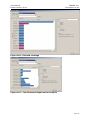
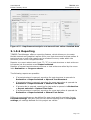
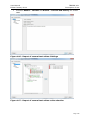
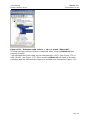
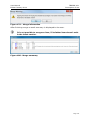
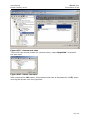
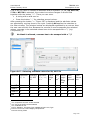
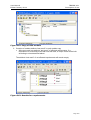
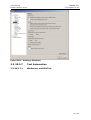
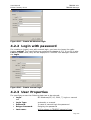
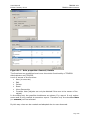
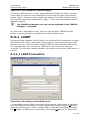
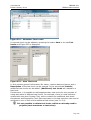
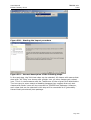
Figure 304 – DB connect to create MS Window Login
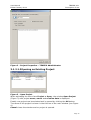
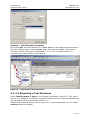
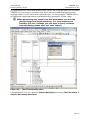
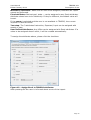
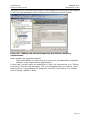
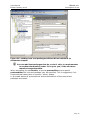
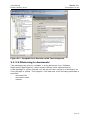
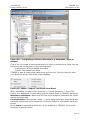
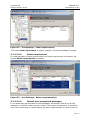
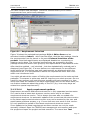
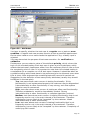
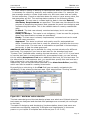
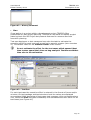
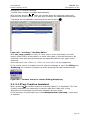
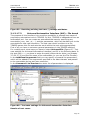
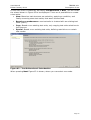
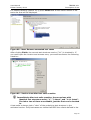
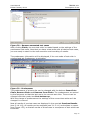
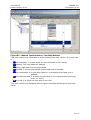
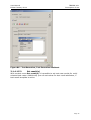
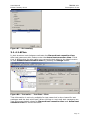
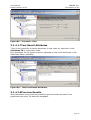
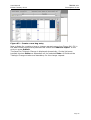
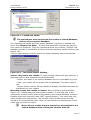
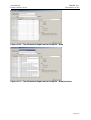
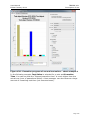
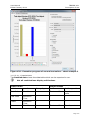
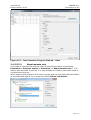
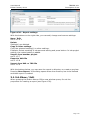
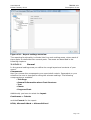
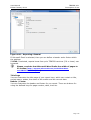
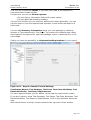
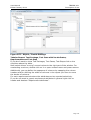
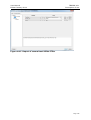
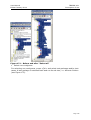
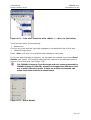
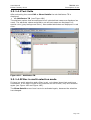
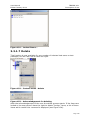
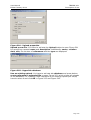
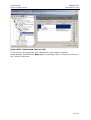
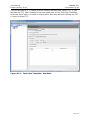
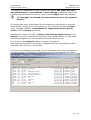
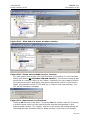
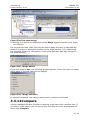
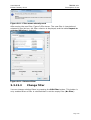
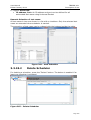
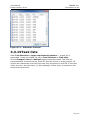
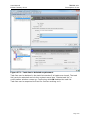
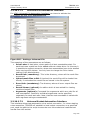
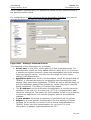
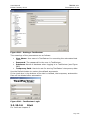
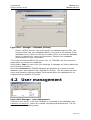
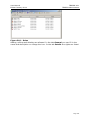
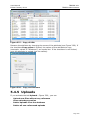
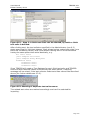
When pressing the button Connect, Figure 303 is displayed. A new (super) user
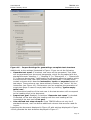
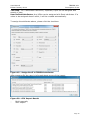
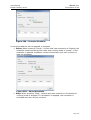
can be created by clicking the button Create new user. The input fields are
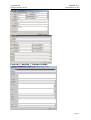
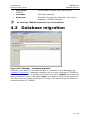
explained in chapter 4.2.3.
Page 236