1
Configuring gated
Configuring the RIP Protocol
Configuring the RIP Protocol
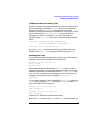
RIP uses hopcount to determine the shortest path to a destination.
Hopcount is the number of routers a packet must pass through to reach
its destination. If a path is directly connected, it has the lowest hopcount
of 1. If the path passes through a single router, the hopcount increases to
2. Hopcount can increase to a maximum value of 16, which is RIP’s
“infinity metric,” an indication that a network or node cannot be reached.
If gated encounters an unreachable node, it goes into “Holddown Mode.”
Holddown Mode stops a node from propagating routing information until
the other nodes it is communicating with stabilize their routing
information.
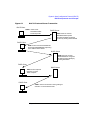
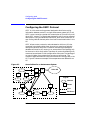
Hosts with only one LAN interface may use the RIP protocol with gated
to passively listen to routing information when there is more than one
router on the LAN. If there is only one router on the LAN (leaving only
one path off the local LAN), you may prefer to configure a static route to
that router in /etc/rc.config.d/net, or issue the route command
manually, instead of running gated.
In certain cases you may not want traffic to take a certain path, because
it incurs an unacceptable cost or security risk. In these cases, gated
allows you to assign a metric to each interface. This allows you to select
or bypass a path, regardless of its length or speed.
Configuration Options
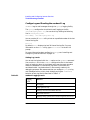
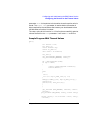
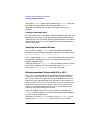
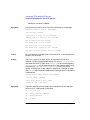
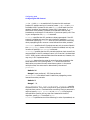
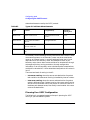
The -e and -a options help increase the RIP convergent time on HP-UX.
These command options can be set in /etc/gated.conf file under the
RIP protocol statement.
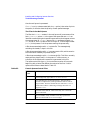
The -e option refers to route_expiry_time (Reviewers, exactly what is
this? Please define this term.). It specifies the expiration time RIP
protocol will use for route aging. The minimum value is 1 second and the
maximum value is 180 seconds. The default is 180 seconds.
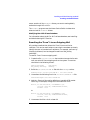
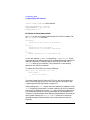
Using the -a option, you can specifiy the route_update_time. This is
the number of seconds the RIP protocol will take to send RIP updates to
its neighbors (Who are its neighbors? Other systems on the network?).
The minimum value is 1 second and the maximum value is 30 seconds.
The default is 30 seconds.
Chapter 8
331