1
ESO / Sampo / Reflex
FORS Interactive Tools
REF
: ESO-SAMPOISSUE : 0.1
DATE : 22.11.2007
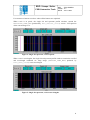
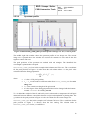
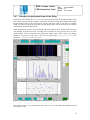
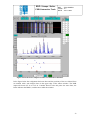
In the fits table disp_coeff_mxu_new.fits produced by the tool (that reruns
fors_wave_calib), you will see that column c4 of the rows 500-533 has changed to
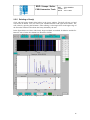
zero. These rows correspond slit number 6 for which we changed the fitting order from 4 to 3.
Increasing the order to 5 would create column c5.
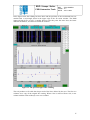
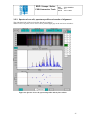
Figure 15: Slit number 6 refitted with new polynomial order.
2.5.8 Notes
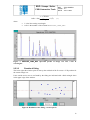
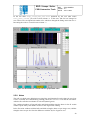
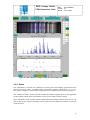
The refit is in both cases (deleting/recovering lines and changing fit order) done for one slit at
a time. A refitted slit is indicated by painting yellow the IdsOrder box and the slit button.
After the first refit the reset-button is activated (turned green).
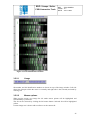
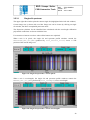
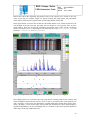
The combined number of blue/red balls and black/red/blue triangles down in the fit results
window equals always the number of lines in the original line catalog.
In the fit results window red/blue balls and black triangles down are per image row, red/blue
triangles down are per slit. Note the difference with the skyline alignment tool.
20