1
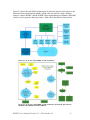
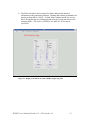
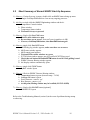
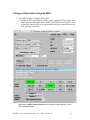
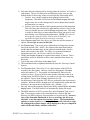
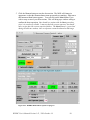
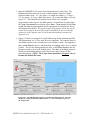
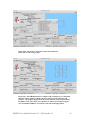
Figure 5.1: The initial screen after logging into wiyn-2 as observer, on the left-hand
of the two monitors. Initially, one will see only the column of icons on the righthand side. Double-clicking on the WHIRC icon (magnified on lower right) will
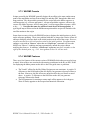
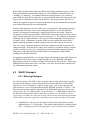
bring up the WHIRC menu icon (magnified on lower left), which is used to bring up
WHIRC. The Autolog button is a recent addition which will bring up a log page
which automatically stores image information in a PostScript file and allows the
user to enter comments for each observation if desired.
WHIRC User’s Manual Version 1.13, 2013 October 18
13