1
7.10.16 Miscellaneous Settings
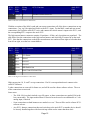
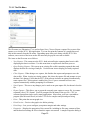
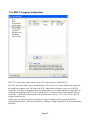
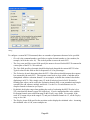
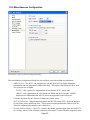
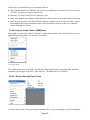
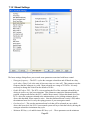
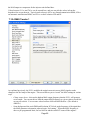
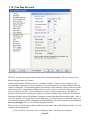
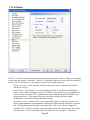
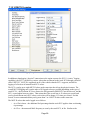
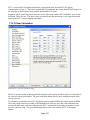
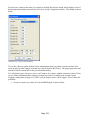
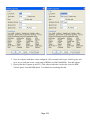
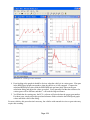
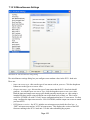
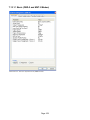
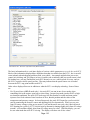
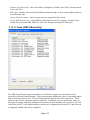
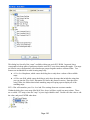
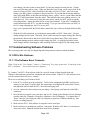
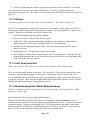
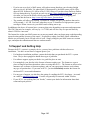
Illustration 96 - The miscellaneous settings dialog
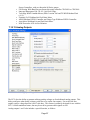
The miscellaneous settings dialog lets you configure some random values in the ECU+ head unit.
These are:
•
Input cam sensor type - this sets the type of cam sensor used on your car. Click the dropdown
button next to the type to set a new value.
•
Output cam sensor type - this sets the type of cam sensor that the ECU+ head unit should
generate. As with the Input cam sensor type, click the dropdown arrow to set a new value.
Both the input and output cam sensor types should generally match your car - this setting is
intended for those people using a different cam sensor than stock on their car. This is most
useful for 2G DSM cars with a “6 bolt” motor configuration that has a 1G cam sensor. For that
setup, configure the input cam sensor for 1990-1994 DSMs, and the output cam sensor to match
your stock ECU.
•
DSP firmware version – the ECU+ includes two microprocessors inside the silver box – a
“DSP” microprocessor and an “AVR” microprocessor. This displays the version of the DSP
firmware running in the ECU+ head unit. Use this when submitting bug reports.
Page 105