1
1 Important
2
2
2
2 Your car audio system
4
4
4
5
Safety
Notice
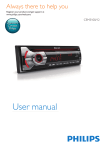
Introduction
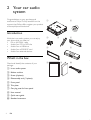
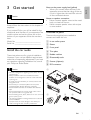
What’s in the box
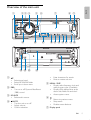
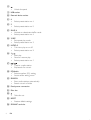
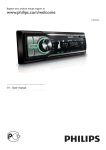
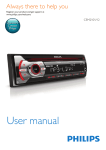
Overview of the main unit
3 Get started
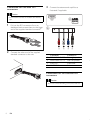
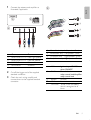
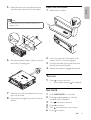
Install the car audio
Turn on
Set clock
4 Listen to radio
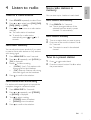
Tune to a radio station
Store radio stations in memory
Tune to a preset station
5 Play audio files
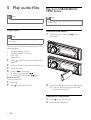
Play a disc
Play from USB/SD/SDHC/MMC device
Control play
Search for an MP3/WMA track
View play information
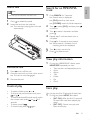
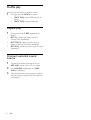
Intro play
Shuffle play
Repeat play
Connect external sound source
7
7
11
11
13
13
13
13
14
14
14
15
15
15
15
16
16
16
7 Adjust system settings
18
18
18
18
18
19
19
19
19
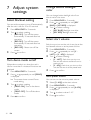
Select blackout setting
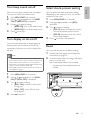
Turn demo mode on/off
Change button backlight color
Select start volume
Turn beep sound on/off
Turn display scroll on/off
Select shock-protect setting
Reset
8 Additional information
20
20
20
20
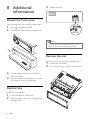
Detach the front panel
Replace fuse
Remove the unit
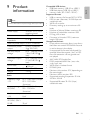
9 Product information
21
10 Troubleshooting
22
11 Glossary
23
6 Adjust sound
17
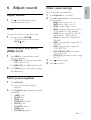
Adjust volume
17
Mute
17
Turn Dynamic Bass Boost (DBB) on/off 17
Select preset equalizer
17
Other sound settings
17
EN
1
Engl i s h
Contents