1
How to remove contacts
Remove contacts from address book
Select the contacts that you would like to remove from the address book, then
click <Delete>.
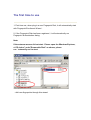
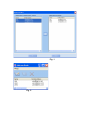
Follow the steps below:
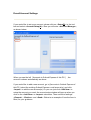
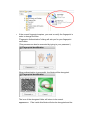
First, select the contacts, and click <Delete> . Or use the <Delete> option from
the <File(F)> menu, shown below:
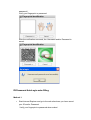
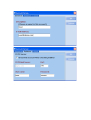
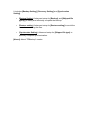
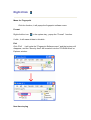
After you click <Delete>, a message will pop-up to confirm (shown below). If
you choose <Yes> , then this contact will be removed.