1
Setting up the Radio Interoperability Unit
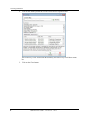
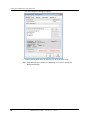
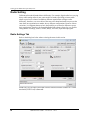
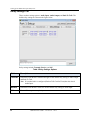
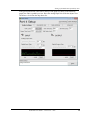
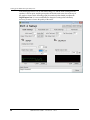
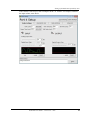
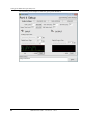
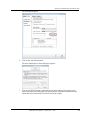
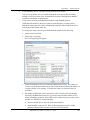
Adjusting the Tail Time
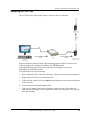
The Tail Time setting affects audio output, or audio you hear over the radio.
Keep the radio from cutting off audio (stop transmitting) between pauses between words
while speaking into the computer microphone. The Tail Time affects
outgoing/transmitting audio coming to the radio from a microphone or any audio
transmitting out of the docked radio.
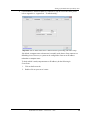
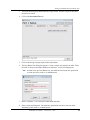
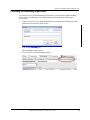
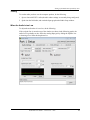
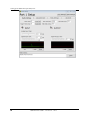
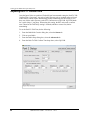
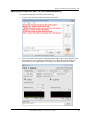
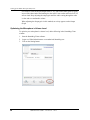
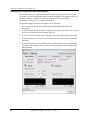
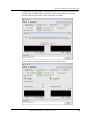
To adjust the tail time, do the following:
1.
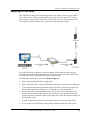
Open a chat with JUST 1 radio (the radio whose settings are currently being configured).
2.
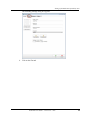
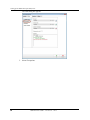
Begin with the Tail Time set to the default, 500.
3.
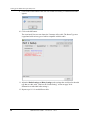
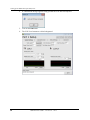
Within the chat window click on the Speak button and speak slowly into the microphone
on the computer.
4.
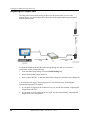
Listen to the audio coming through the radio.
5.
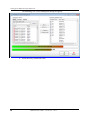
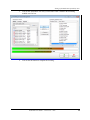
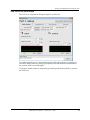
If the audio is getting cut off between speaking, raise the tail time. At the same time
make sure that this setting is not too high or the transmission is held open for a long time
after done speaking.
RadioLink User Guide – Version 3.0 – 2013
59