1
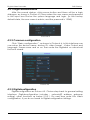
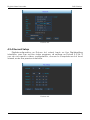
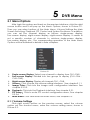
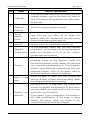
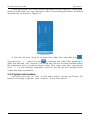
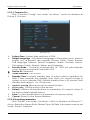
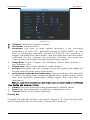
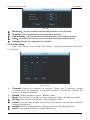
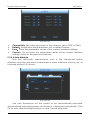
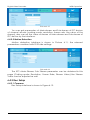
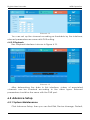
Digital Video Recorder DVR Menu found, it will be displayed in a list, To view all logs through PgUp/PgDn button. 5.3.2.2 Version Information Click “Version” icon under “Info”, switch to interface as Picture 5-8 shows. Picture 5-8 Users can find system version, including serial No, model number, system version,Version Date. Serial No.: Showing the serial No.of the DVR. Model number: Number of main board. Version: System version number. Date: Program created date. 5.3.3 System Setup Left-click the icon of “Sys Setup” in the main menu, shown as Picture 5-9 shows. 18