1
Chop function
The Chop function does exactly what its name says. It chops - divides a flight into several flights. The
quantity of those is user defined by a number of points selected + 1, so 3 points make 4 flights, etc. New
flights inherit the old flight name where additionally underscore and a sequence number are added.
Note!
Once divided, flights can’t be merged into one flight again. Please consider to back up the original flight
files before using the Chop function.
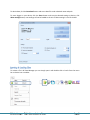
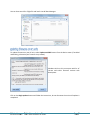
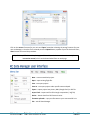
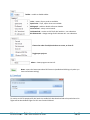
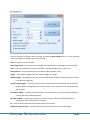
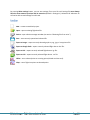
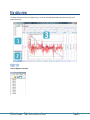
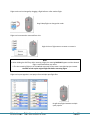
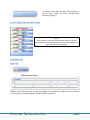
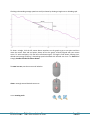
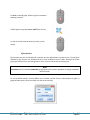
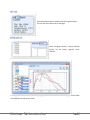
To use this function click the Chop icon in toolbar and select desired points in graph. To delete a point,
simply click on it again and it will disappear. When finished choosing new points, click the Finish
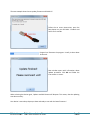
chopping button. You can cancel the process, by clicking the Cancel chopping button.
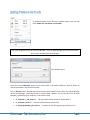
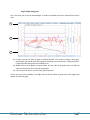
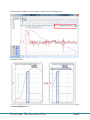
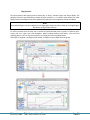
After flight is chopped, new flights will be visible in a flights list and a flight overview graph.