1
EMPOWER: Planar 3D EM Analysis
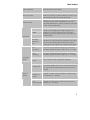
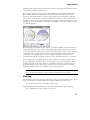
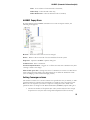
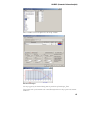
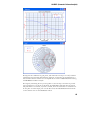
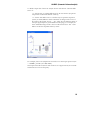
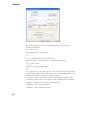
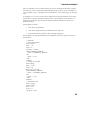
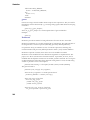
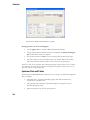
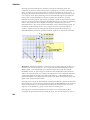
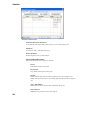
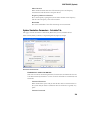
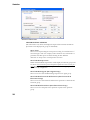
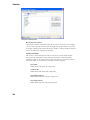
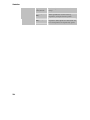
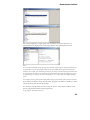
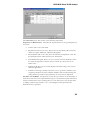
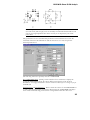
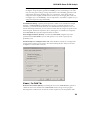
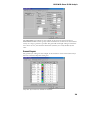
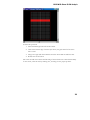
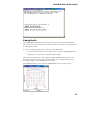
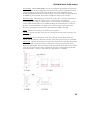
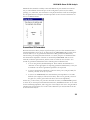
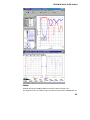
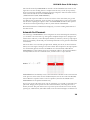
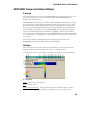
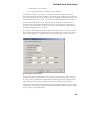
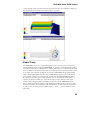
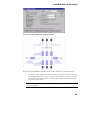
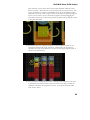
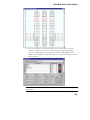
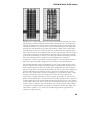
Symm - Displays the type of symmetry possessed by the circuit being analyzed. This
option can be XZ, YZ, Mirror, 2-way mirror, or 180o rotational.
The objects on the third line are:
Estim Time - The estimated total time to complete the current calculation mode.
Each frq - The estimated calculation time per frequency in the current mode.
Estim RAM - The estimated total memory required for the current simulation.
The fourth line displays the simulation time of the current frequency and symmetry, plus
the symmetry stage.
The fifth line displays the calculation stage.
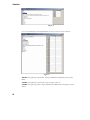
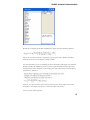
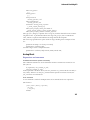
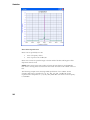
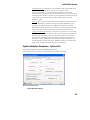
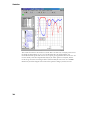
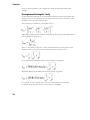
The lines below the fifth line describe the calculated data for each frequency. During line
analysis, the impedance (Z) and propagation constant (G) are displayed for each
frequency. In the discontinuity calculation mode, the first row of the s-matrix is displayed
at each frequency.
Batch Runs
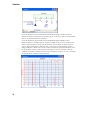
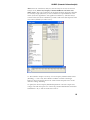
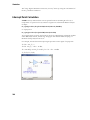
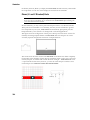
Multiple workspaces can be loaded simultaneously and all EMPOWER simulations can be
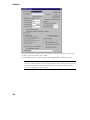
updated sequentially. Simply open as many Workspace files as you need (Select Options
from the Tools menu and check “Allow Multiple Open Workspaces”). Click the red
Calculator button on the toolbar to run all of the analyses.
Note: You should probably check “Automatically save workspace after calc” if you
are running long or overnight batches so that if there is a power outage you will not
lose your results.
EMPOWER: Operation
Overview
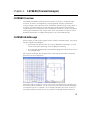
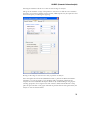
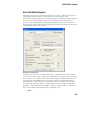
An EMPOWER simulation requires a board layout description. The easiest (and
recommended) method is to use LAYOUT to create a graphical representation of the
desired layout pattern. The board can then be simulated by creating an EMPOWER
Simulation.
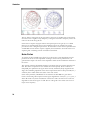
This chapter describes how to use LAYOUT to construct a board layout and obtain an
EMPOWER simulation. GENESYS is then used to display and compare the linear
simulation with the EMPOWER data.
Features
EMPOWER incorporates many features still not present in competitive, late generation,
EM simulators. Principle features include:
•
Benchmarked accuracy
305