1
Section 4
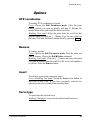
Options
Go
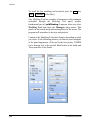
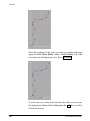
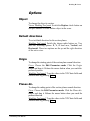
To perform the alignment with given parameters.
Modeling Tool panel. Press the Go button.
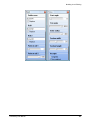
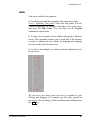
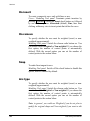
Alignment Planes
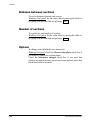
To define the alignment planes or axes.
Modeling Tool panel. Options can be enabled by switching the
chosen radio button on. Alignment planes can be parallel to the
XY, XZ or YZ world planes passing through the pivot point of the
first selected object. Alignment axes can be parallel to the X, Y or
Z world axes. The option Axes origin centers all objects in the
same point.
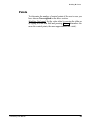
Alignment Options
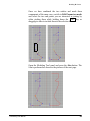
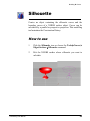
To set a default point of the object that will be considered the
pivot point for the alignment.
Modeling Tool panel. Switch the chosen radio buttons on. Options
are: Axis Origin, Bounding box and Center of bounding box. If
you choose Bounding box, the Justification section offers more
options.
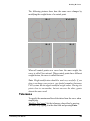
B. box computation
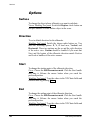
To compute the bounding box size.
Computation options include On CVs or On geometry.
Modeling Tool panel. This parameter is active only if the B. box
radio button in the Alignment Options parameter has been
checked. Switch the chosen radio buttons on.
208
solidThinking User Manual