1
Phonebook
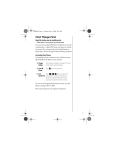
Editing a Phonebook Entry
Find the Feature
M > Phonebook
Press
1 S
To
scroll to the entry you want to edit
2 VIEW (+)
display the entry’s detailed view
3 EDIT (+)
edit the phonebook entry
Edit a phonebook entry by following the procedures described in
“Storing a Phonebook Entry” on page 78.
Deleting a Phonebook Entry
To delete a phonebook entry:
Find the Feature
M > Phonebook
Press
1 S
To
scroll to the entry you want to delete
2 M
open the Phonebook Menu
3
S
scroll to Delete
4 SELECT (+)
select Delete
5 YES (-)
confirm the deletion
83