1
Oxygen XML Editor | Document Types (Frameworks) | 596
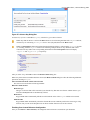
Indexing Japanese Content in WebHelp Pages
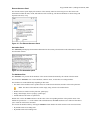
To optimize the indexing of Japanese content in WebHelp pages generated from DITA map transformations, the Kuromoji
analyzer can be used. This analyzer in not included in the Oxygen XML Editor installation kit and must be downloaded
and added.
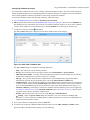
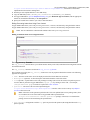
To use the Kuromoji analyzer to index Japanese content in your WebHelp system, follow these steps:
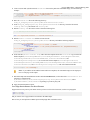
1. Download the analyzer jar file from
http://mvnrepository.com/artifact/org.apache.lucene/lucene-analyzers-kuromoji/4.0.0.
2. Place the Kuromoji analyzer jar file in the following directory:
DITA_OT_DIR/plugins/com.oxygenxml.webhelp/lib.
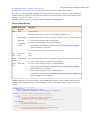
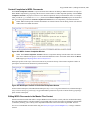
3. For the analyzer to work properly, search terms that are entered into your WebHelp pages must be separated by
spaces.
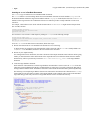
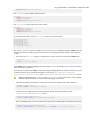
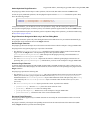
Optionally a Japanese user dictionary can be set with the webhelp.search.japanese.dictionary parameter.
Compiled HTML Help (CHM) Output Format
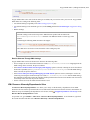
To perform a Compiled HTML Help (CHM) transformation Oxygen XML Editor needs Microsoft HTML Help
Workshop to be installed on your computer. Oxygen XML Editor automatically detects HTML Help Workshop
and uses it.
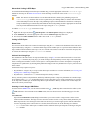
Note: HTML Help Workshop might fail if the files used for transformation contain accents in their names,
due to different encodings used when writing the .hhp and .hhc files. If the transformation fails to produce the
CHM output but the .hhp (HTML Help Project) file is already generated, you can manually try to build the CHM
output using HTML Help Workshop.
Changing the Output Encoding
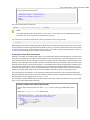
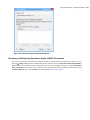
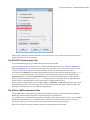
Oxygen XML Editor uses the htmlhelp.locale parameter to correctly display specific characters of different
languages in the output of the Compiled HTML Help (CHM) transformation. The Compiled HTML Help (CHM)
default scenario that comes bundled with Oxygen XML Editor has the htmlhelp.locale parameter set to en-US.
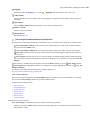
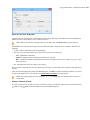
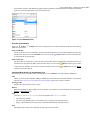
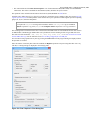
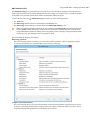
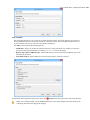
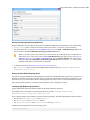
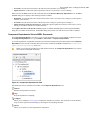
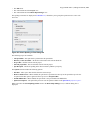
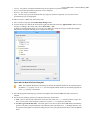
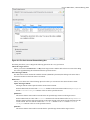
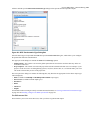
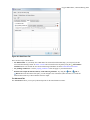
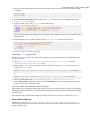
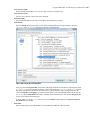
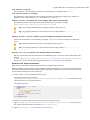
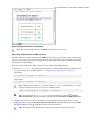
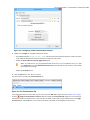
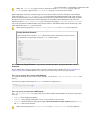
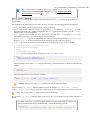
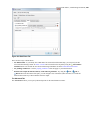
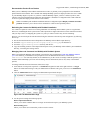
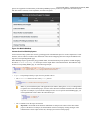
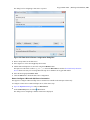
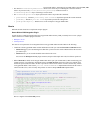
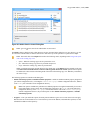
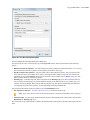
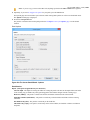
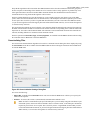
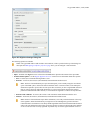
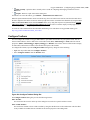
The default value of the htmlhelp.locale is en-US. To customize this parameter, go to
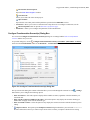
Configure
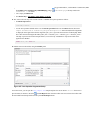
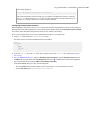
Transformation Scenarios and click the
Edit button. In the parameter tab search for the htmlhelp.locale
parameter and change its value to the desired language tag.
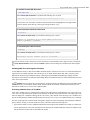
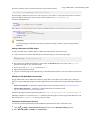
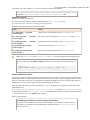
The format of the htmlhelp.locale parameter is LL-CC, where LL represents the language code (en for example)
and CC represents the country code (US for example). The language codes are contained in the ISO 639-1 standard
and the country codes are contained in the ISO 3166-1 standard. For further details about language tags, go to
http://www.rfc-editor.org/rfc/rfc5646.txt.
Kindle Output Format
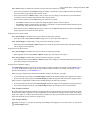
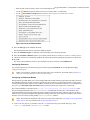
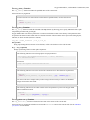
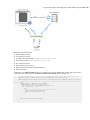
Oxygen XML Editor requires KindleGento generate Kindle output from DITA maps. To install KindleGen for use by
Oxygen XML Editor, follow these steps:
1.
2.
3.
4.
Go to www.amazon.com/kindleformat/kindlegen and download the zip file that matches your operating system.
Unzip the file on your local disk.
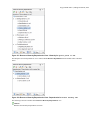
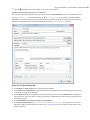
Start Oxygen XML Editor and open a DITA map in the DITA Maps Manager view.
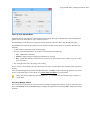
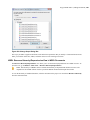
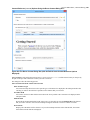
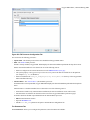
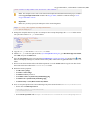
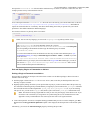
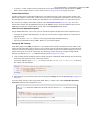
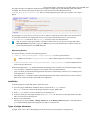
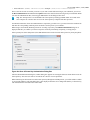
In the DITA Maps Manager view, open the
Configure Transformation Scenario(s) dialog box.
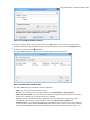
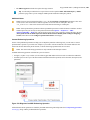
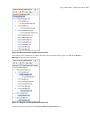
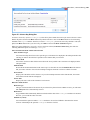
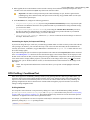
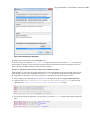
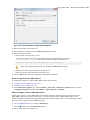
5. Select the DITA Map Kindle transformation and press the Edit button to edit it.
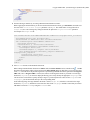
6. Go to Parameters tab and set the kindlegen.executable parameter as the path to the KindleGen directory.
7. Accept the changes.
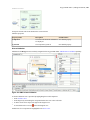
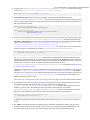
Migrating OOXML Documents to DITA
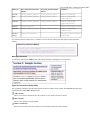
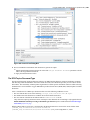
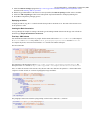
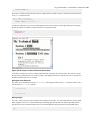
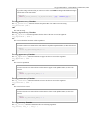
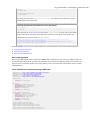
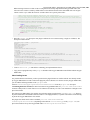
Oxygen XML Editor integrates the entire DITA for Publishers plugins suite, enabling you to migrate content from Open
Office XML documents to DITA: