1
Technical Requirements
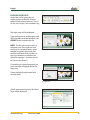
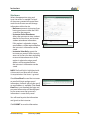
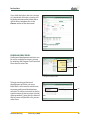
In the Display Properties dialog boxselect the Settings tab.
D
On the Settings tab, under Screen
Resolution-select a screen resolution
value by moving the slider arrow to set
the resolution to 1024 X 768 and select
OK.
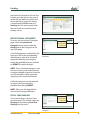
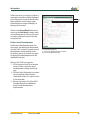
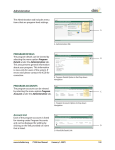
Close the Control Panel by clicking on
the Close button.
E
D. Settings Tab
E. Screen Resolution
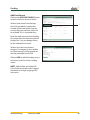
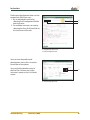
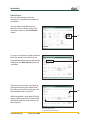
Mac OS X
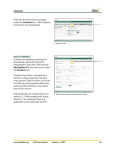
Select System Preferences from the
Apple menu.
F
F. System Preferences
www.iccbdaisi.org
(February 1, 2009)
8