1
TMA
Preface
Preface
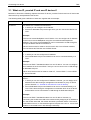
Organisation of this manual
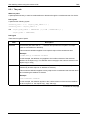
This manual contains two main parts.
Part
This part …
User manual
introduces TMA and explains how to install it. It also shows you the basic
functions of TMA.
Reference manual
teaches you more about the advanced functions of TMA.
Annexes
gives some additional information.
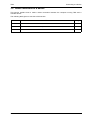
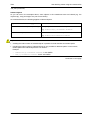
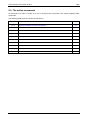
User manual
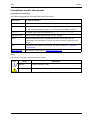
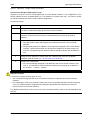
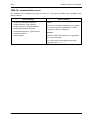
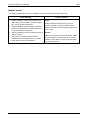
The following table gives an overview of the chapters in the user manual.
Chapter
This chapter …
1
gives an introduction on the Telindus Maintenance Application (TMA).
2
shows you how to install TMA on your computer.
3
explains how to make a connection between the computer running TMA and the
Telindus device.
4
teaches you how to open a TMA session.
5
presents some practical examples on opening a TMA session on a device.
6
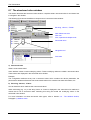
thoroughly describes all elements of the TMA window such as the pull-down and pop-up
menus, the toolbar buttons, etc.
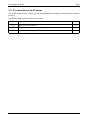
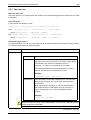
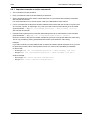
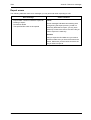
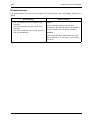
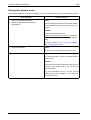
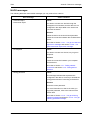
Reference manual
Chapter
This chapter …
7
shows you how to add a user instantiatable object to the containment tree.
8
explains how you can define your own values for attributes that have a string or an
integer as value. You can do this using the custom.txt file.
9
describes what the TMA sub-system picture is and how you can make it interactive.
10
shows you how to download software towards a Telindus device using TMA.
11
introduces the Telindus Memory Loader (TML), the tool that actually takes care of the
software download. It shows you how to evoke it from the command line.
12
describes the communication parameters in the Cms2Serv.ini file.
13
helps you when you are unable to open a TMA session.
Continued on next page
iii