1
Setup
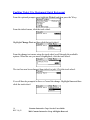
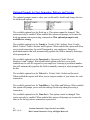
There are four options that you can choose from to setup your device and customize
your Charge Anywhere software. These are:
· Industry Type – This is setup prior to shipment. If you require a change to
this prompt, contact Comstar customer support.
· Optional Prompts – This allows you to customize your Charge Anywhere
software with industry specific fields and text. The supported industries are
Retail, Restaurant, Quick Rest, Taxi, Limousine, Delivery and Towing. This
section will cover:
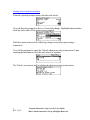
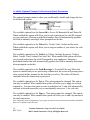
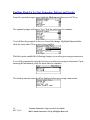
Accessing the optional prompts menu.
Available optional prompts.
· Printer Setup – This will provide detailed instructions for setting configuring
your printer with your CHARGE ANYwhere device
· Receipt Header – This will allow you to review the header that will print on
your receipts. To change this you will need to contact Comstar customer
support.
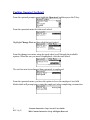
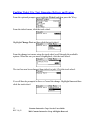
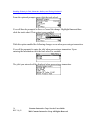
Enabling Optional Prompts
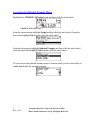
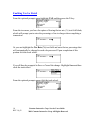
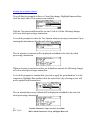
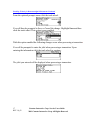
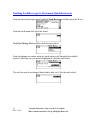
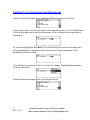
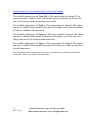
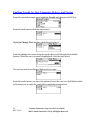
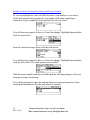
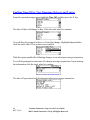
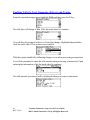
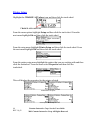
Enabling optional prompts is done from the Optional Prompts menu by highlighting
the desired one, pressing the Y key, clicking the track wheel and selecting save.
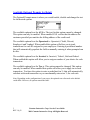
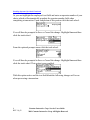
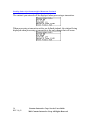
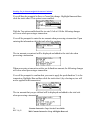
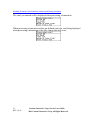
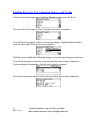
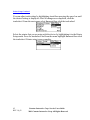
When enabling certain optional prompts you will be prompted at another screen to
enter additional information. After entering the required information click the track
and select save.
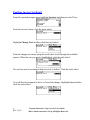
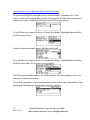
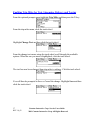
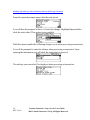
Disabling Optional Prompts
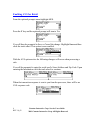
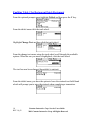
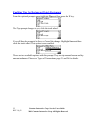
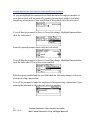
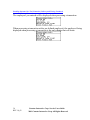
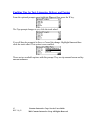
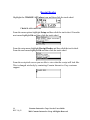
Disabling optional prompts is done from the optional prompts menu by highlighting
the desired one, pressing the N key, clicking the track wheel and selecting save.
1
REV 10_02
Comstar Interactive Corp. Service Users Guide
2001 Comstar Interactive Corp. All Rights Reserved