1
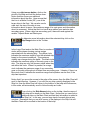
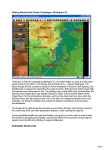
In the lower left-hand corner of the screen, you
will see the Jump Chart which displays the
overall situation. The blue dots represent
British ships. The red dots represent the
German ships that you can currently see,
although there may be others outside of your
range of visibility. The red rectangle indicates
how much of the overall situation is visible on
your Main Chart, which is the larger display on
the screen.
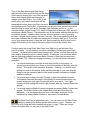
Click on an area of the Jump Chart that
contains British ships and notice that the
Main Chart scrolls to display that area. In
this example, you can see that there are 4
British ships sailing in formation, with the
lead ship being the flagship. In general,
you will use the flagships to control your
formations during the battle.
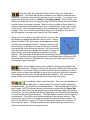
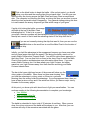
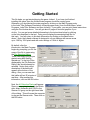
Click on one of the ships on the Main Chart and
notice that more detailed information about that
ship appears on the left hand side in the Ship
List. In this example, you see the Lion.
Because it is a flagship, its name is displayed in
yellow. The flag of the Royal Navy is shown in
one corner. The Lion is currently sailing at 27
knots, or nautical miles per hour, and it is heading in a South-East (SE) direction. Its
current status is 100% representing the fact that it is undamaged by battle. And the
torpedo icon below the status value indicates that this ship is equipped with
torpedoes.