1
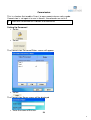
Receipt Set Up
Setting the Header and Footer for Receipts
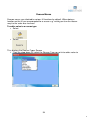
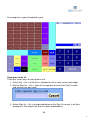
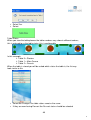
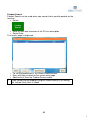
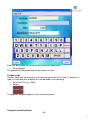
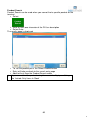
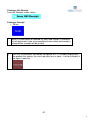
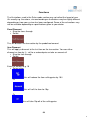
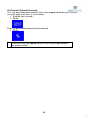
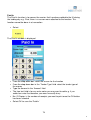
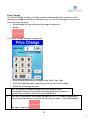
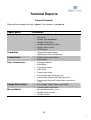
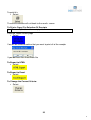
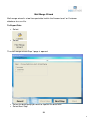
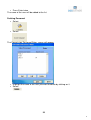
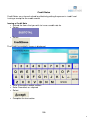
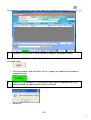
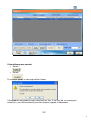
• Select
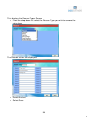
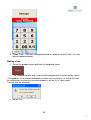
• Select
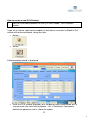
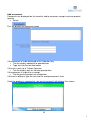
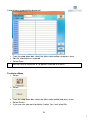
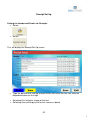
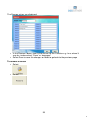
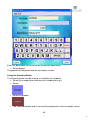
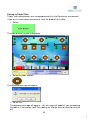
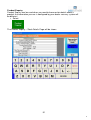
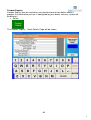
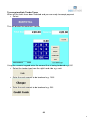
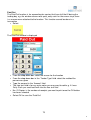
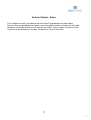
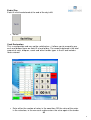
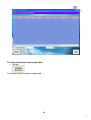
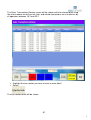
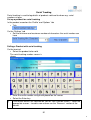
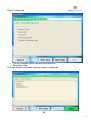
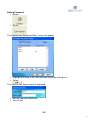
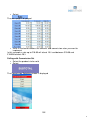
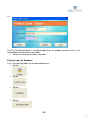
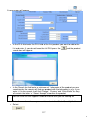
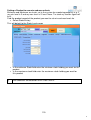
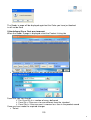
This will display the Receipt Set Up screen
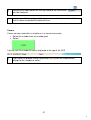
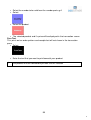
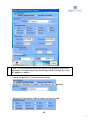
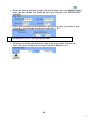
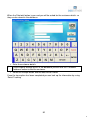
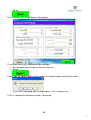
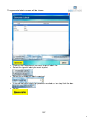
• Type the desired text into the relevant fields and select the text size from the
drop down boxes on the right
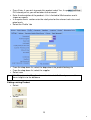
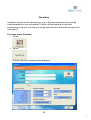
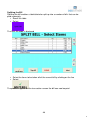
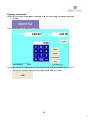
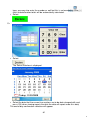
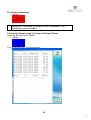
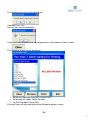
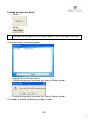
• Selecting Print will print a copy of the text
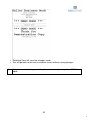
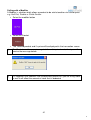
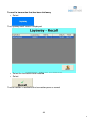
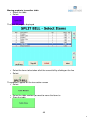
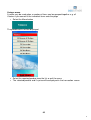
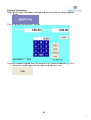
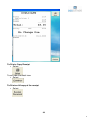
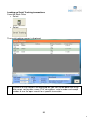
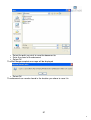
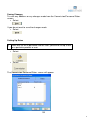
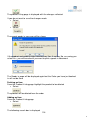
• Selecting View will display the text on screen as below
32