1
iTOOLS VERSION 6.20: HELP MANUAL
3.1 THE PARAMETER EXPLORER WINDOW (Cont.)
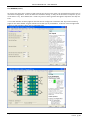
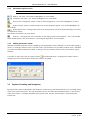
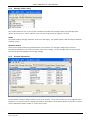
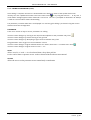
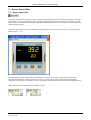
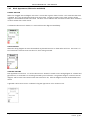
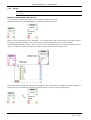
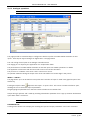
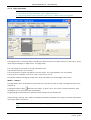
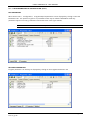
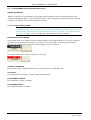
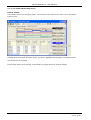
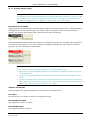
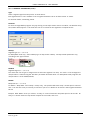
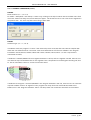
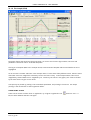
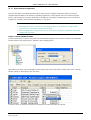
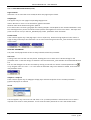
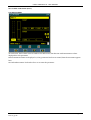
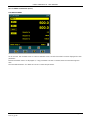
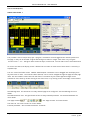
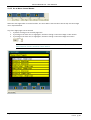
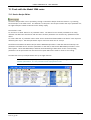
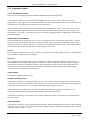
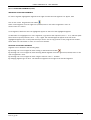
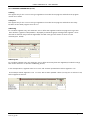
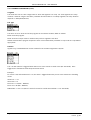
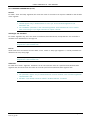
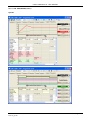
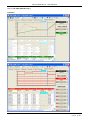
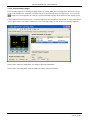
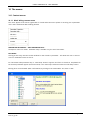
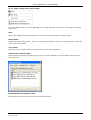
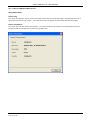
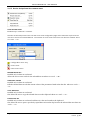
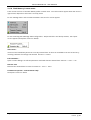
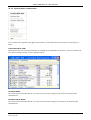
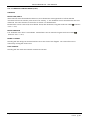
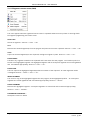
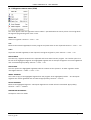
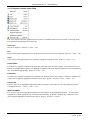
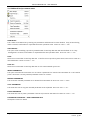
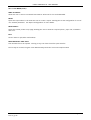
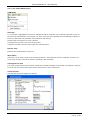
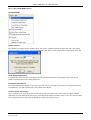
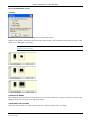
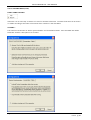
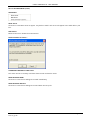
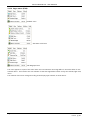
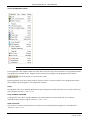
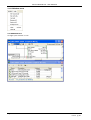
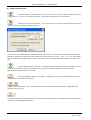
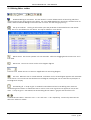
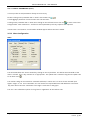
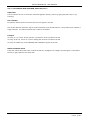
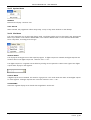
Parameters in blue text are non-editable (Read Only). Items in black text (with the 'pencil' symbol) are editable
(Read/Write)
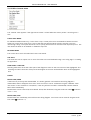
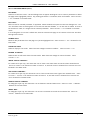
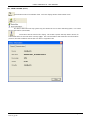
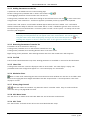
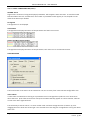
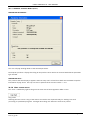
Parameters with a coloured background are hidden, when 'Hide Parameters and Lists when not relevant' in the
'Parameter Availability settings...' item in the Options Menu is selected (default = hidden)
3.1.1
Columns
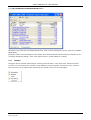
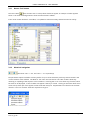
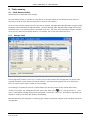
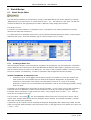
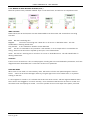
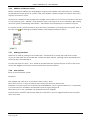
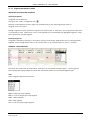
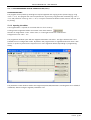
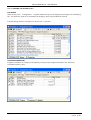
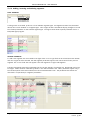
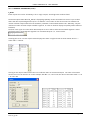
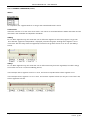
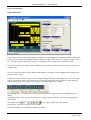
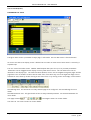
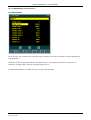
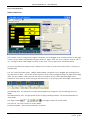
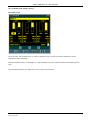
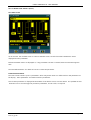
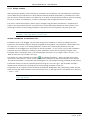
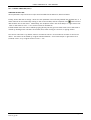
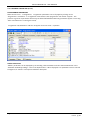
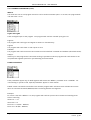
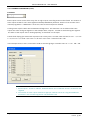
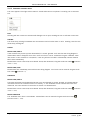
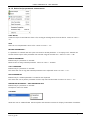
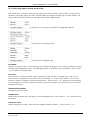
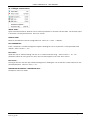
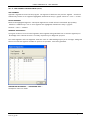
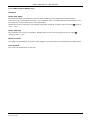
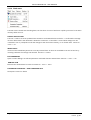
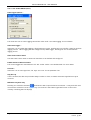
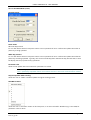
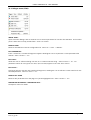
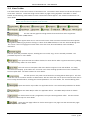
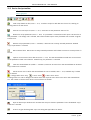
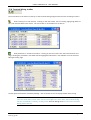
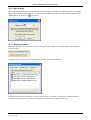
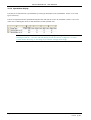
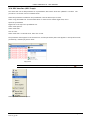
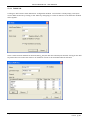
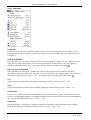
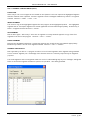
The figures above show the default display, showing read/write status, name, description, address and value
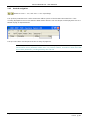
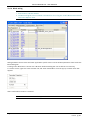
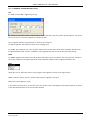
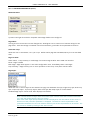
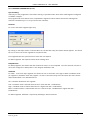
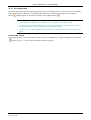
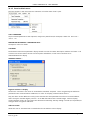
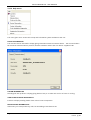
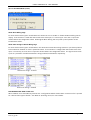
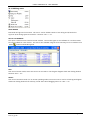
columns. For some instruments, a further column ('Wired From') also appears. The Explorer menu 'Columns'
item allows the user to define which default and non-default columns are to be displayed.
HA028838
Issue 2 Jly 05
Page 11