1
Applications
Applying beauty effects
You can modify facial features, such as your skin tone or face shape, before taking selfportraits.
This feature is available only in Selfie and Interval shot modes.
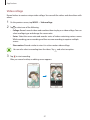
1 On the preview screen, tap .
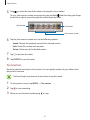
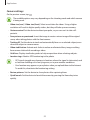
2 Select the options below to apply the beauty effects to your face on the preview screen:
• Shape correction: When your face is at the edges of the preview screen, it will appear
distorted. Enable this option to correct your face shape. After shape correction, the
background may appear slightly distorted.
• Slim Face: Adjust the face shape and make your face appear slimmer.
• Large eyes: Make your eyes appear bigger.
• Skin tone: Make your skin appear brighter and clearer.
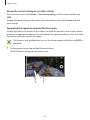
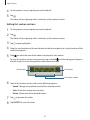
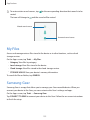
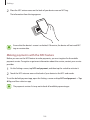
3 When the device detects your face, tap the sensor on the back of the device to take a
photo of yourself. You can also tap the screen to take a photo.
Wide selfie
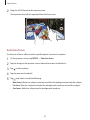
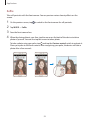
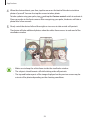
Take a wide self-portrait to include more people in the photo and avoid leaving people out.
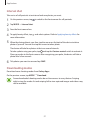
1 On the preview screen, tap
2 Tap MODE → Wide selfie.
3 Face the front camera lens.
to switch to the front camera for self-portraits.
95