1
Settings
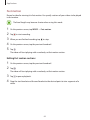
Registering fingerprints
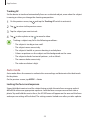
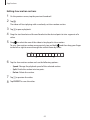
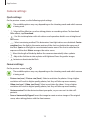
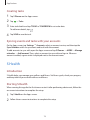
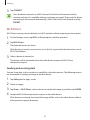
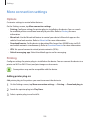
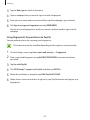
1 On the Settings screen, tap Lock screen and security → Fingerprint → Add fingerprint.
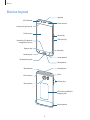
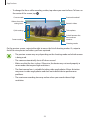
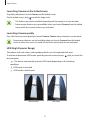
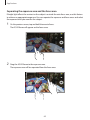
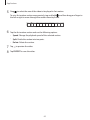
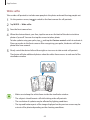
2 Place your finger on the Home key.
3 Lift your finger when the device vibrates, and then place it on the Home key again.
Repeat this action using the same finger until the fingerprint is registered.
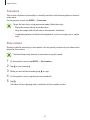
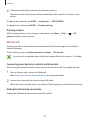
4 When a screen appears requesting to register a backup password, enter the backup
password, and then tap CONTINUE.
5 Enter the backup password again to verify it, and then tap OK.
You can use the backup password instead of scanning your fingerprints.
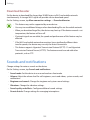
6 When a fingerprint lock pop-up window appears, tap OK. You can use your fingerprints to
unlock the screen.
Deleting fingerprints
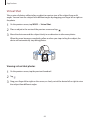
You can delete registered fingerprints using the fingerprint manager.
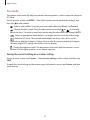
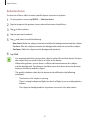
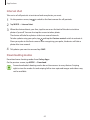
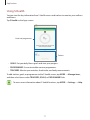
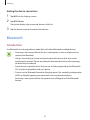
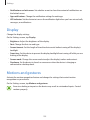
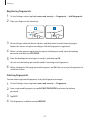
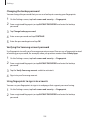
1 On the Settings screen, tap Lock screen and security → Fingerprint.
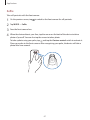
2 Scan a registered fingerprint, or tap BACKUP PASSWORD and enter the backup
password.
3 Tap EDIT.
4 Tick fingerprints to delete and tap REMOVE.
107