1
1.2
Start-up Web Browser-based RAID Management for Local Administration
We now offers an alternative means of communication for the RAID Subsystem
- Web Browser-based RAID Management program. User can access the builtin configuration without needing VT-100 terminal or system starting up running
the Hyper Terminal. The Web Browser-based RAID Management program is
an HTML-based application, which utilizes the browser installed on your server
system.
1.2.1
For Windows
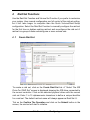
Screen in this section are taken from a Windows/XP installation. If you are
running other Windows, your installing screen may look different, but the http
proxy server installation is essentially the same.
1. You may download the proxy software from Proware’s web site. The address
is “http://www.proware.com.tw/support/software.htm”.
2. Unzip HttpProxy_Windows.zip and run the setup.exe file to complete Http
Proxy Server software installation.
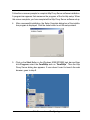
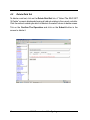
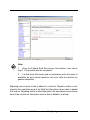
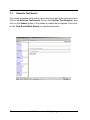
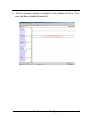
3. Click on the Setup file then the Welcome screen appears.
2
Web Browser-based Configuring