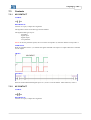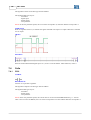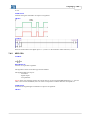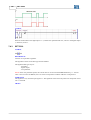
1
Tutorial
331
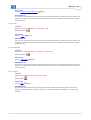
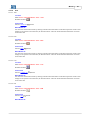
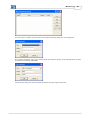
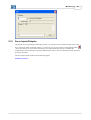
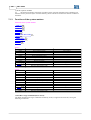
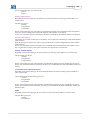
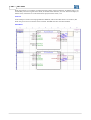
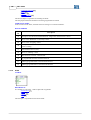
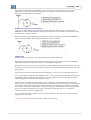
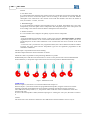
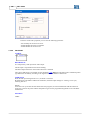
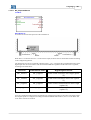
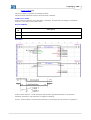
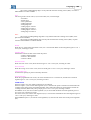
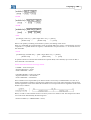
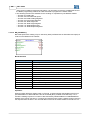
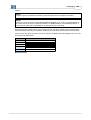
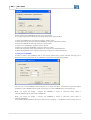
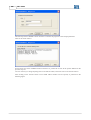
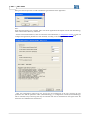
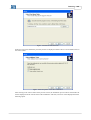
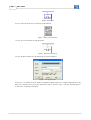
Figure – Download information box.
This box will display important information related to the program transference. It displays thetarget
equipment connected via serial; the file's name to be transferred as well as the date and time it was compiled.
To transfer the program, click "Yes". The transfer will be started. It should be very clear that during the
program transference the board will not be active, thus not executing any program. If there are linked outputs
or the converter is enabled, they will be unlinked and the converter will be disabled.
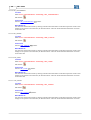
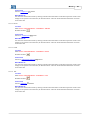
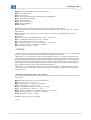
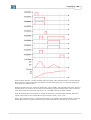
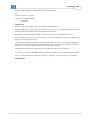
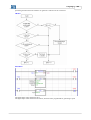
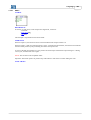
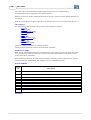
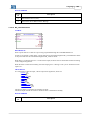
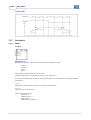
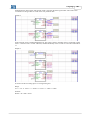
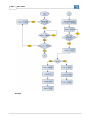
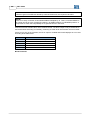
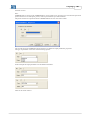
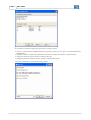
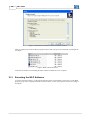
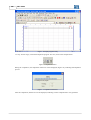
During program transference, the following box will be displayed.
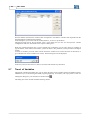
Figure – Download status box.
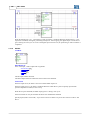
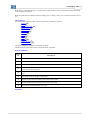
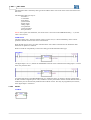
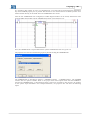
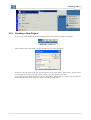
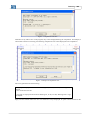
This box displays the program's transference status, which when finalized, will display the following
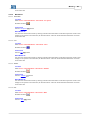
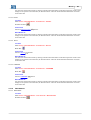
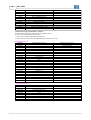
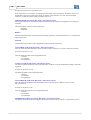
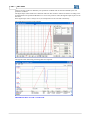
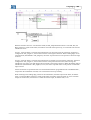
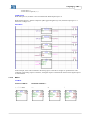
message.
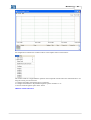
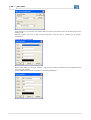
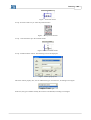
Figure – Success box in program transference.
If the transference occurred successfully, the board will start executing the new user's program.
Note: Parameter P763 of the board has the function of disabling the user's program. For the program to be
normally executed, it should be in zero.