1
326
WLP V9.90
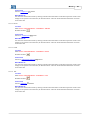
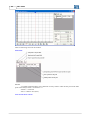
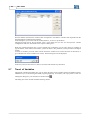
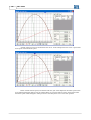
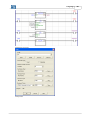
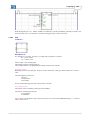
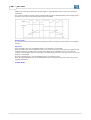
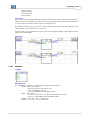
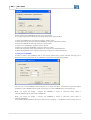
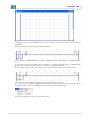
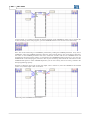
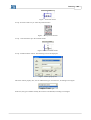
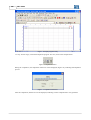
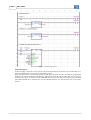
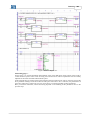
Figure – Insert coil.
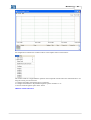
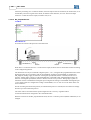
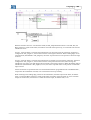
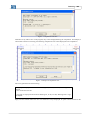
10º step - Press the "ESC" key or select the pointer function
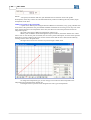
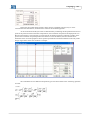
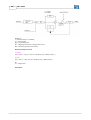
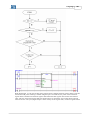
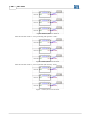
Figure – Select pointer function.
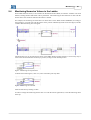
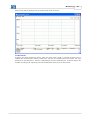
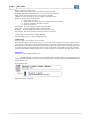
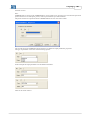
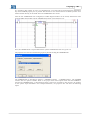
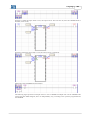
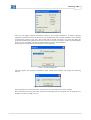
11º step - Go to the inserted coil with the mouse
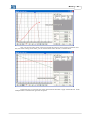
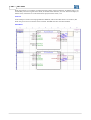
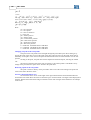
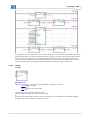
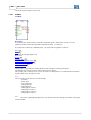
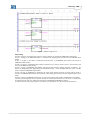
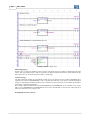
Figure – Position inserted coil.
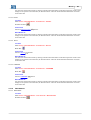
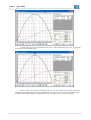
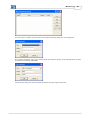
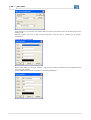
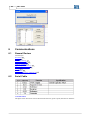
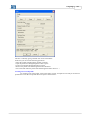
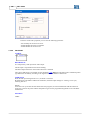
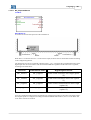
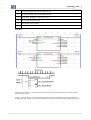
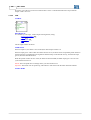
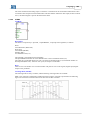
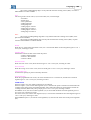
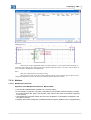
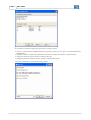
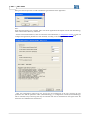
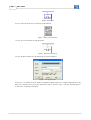
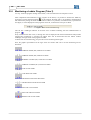
12º step - Double click the coil. The following box will be displayed.
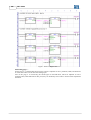
Figure – Coil property box.
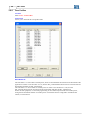
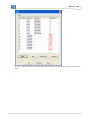
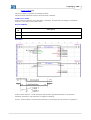
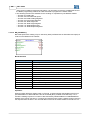
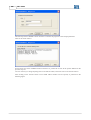
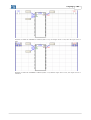
In this box, it is possible to do the address configuration digital output n# 1 (output configurationis in the
same way as the input ones, previously described on step 6), with the "Tag" = "QX_K1" and description =
"Counter K1" according to next figure.