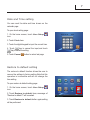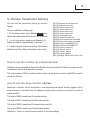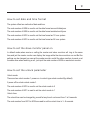
1
2
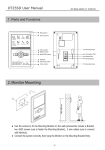
145~160 cm
2. Monitor Mounting
●● Use the screws to fix the Mounting Bracket on the wall.(accessories include a Bracket,
two 4X25 screws (use to fasten the Mounting Bracket), 2 wire cables (use to connect with
Monitor)).
●● Connect the system correctly. then hang the Monitor on the Mounting Bracket firmly.
3. About Home screen
The Home screen is your starting point for using all the applications on your monitor. You can
customize your Home screen to display applications, logos, and languages.
To open the home screen page, tap
anywhere twice.
Menu key twice on the monitor or press the LCD screen
Scroll to last month
Current time
Scroll to next month
Current date
Calendar
Home screen
Tap any icon to start using
the application