1
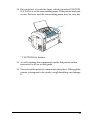
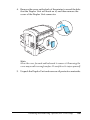
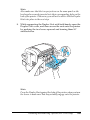
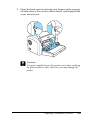
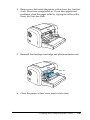
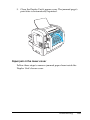
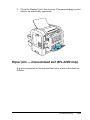
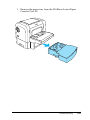
4. Remove the cover on the back of the printer to reveal the hole
that the Duplex Unit will hook on to, and then remove the
cover of the Duplex Unit connector.
8
8
8
8
8
8
Note:
Move the cover forward and backward to remove it. Removing the
cover may result in a rough surface. Be careful not to injure yourself.
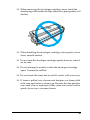
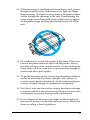
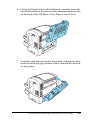
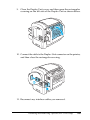
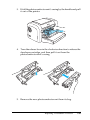
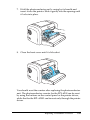
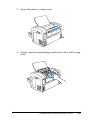
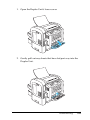
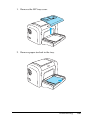
5. Unpack the Duplex Unit and remove all protective materials.
8
8
8
8
8
8
Installing and Removing Options (EPL-6200 only)
306