1
Access Options
4.1. Enrolling Users
The first enrollment in a new machine will have the capability of
enrolling other users .If you are the administrator of the system, than
you should enroll as admin with your finger.
There are three modes of enrollment, fingerprint enrollment,
password enrollment and fingerprint & password. The type of
enrollment to be selected depends on the environment and the quality
of the fingerprints of the users. Fingerprint enrollment should be used
for good quality of fingerprints like a typical office environment.
Fingerprint & Password should be used for few people who are
enrolled successfully, but verification is difficult. Password enrollment
should be used for users who cannot be enrolled nor verified.
To start the enrollment process, identify yourself first—press [Menu],
enter your ID number or fingerprint, and then verify your identity.
Note: If this is the first enrollment in a new or empty system, you
will not be prompted for verification.
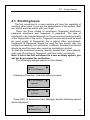
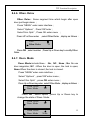
The following message appears on the display:
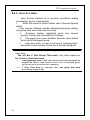
Menu
► User Manage
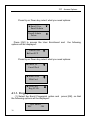
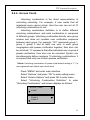
Press Up or Down key , select the option you need:
► User Manage
Options
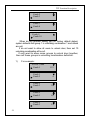
► Options
Sys Info
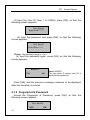
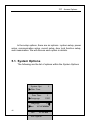
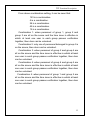
Press [OK], to access the User Manager and the following options
will be displayed:
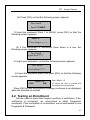
Menu
►Enroll User
37