1
Melodyne editor
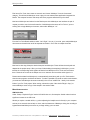
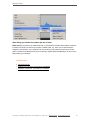
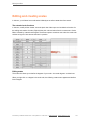
Show Replace Ranges (Plugin only)
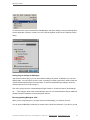
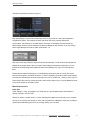
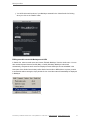
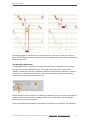
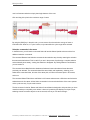
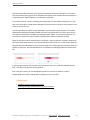
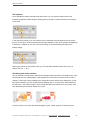
If you check this option, those passages will be indicated that have been transferred to Melodyne
Plugin from your host and for the playback of which, in consequence, the plug-in rather than the host
is responsible.
This information is conveyed by the fact that the ruler is shaded more palely for the duration of all such
passages.
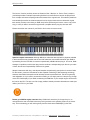
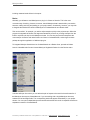
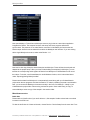
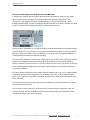
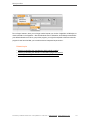
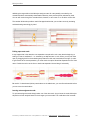
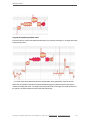
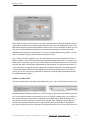
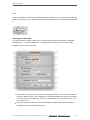
Highlight Playing Notes
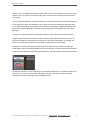
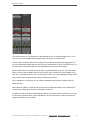
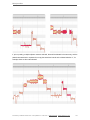
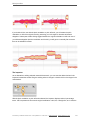
By checking or clearing this option, you can determine whether or not the outline of the note or notes
currently sounding is displayed more boldly than that of the other notes. In dense musical material,
you can often obtain a clearer overview by instructing Melodyne to highlight each note as it sounds in
this way.
© Celemony Software GmbH 2015 • Last updated on 14.01.2015 • Online Manual • www.celemony.com
143