1
Saving and Copying Patches (Store Mode)
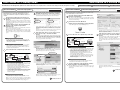
1. Activate store mode
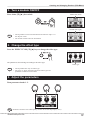
Select the patch that you want to save or copy, and press the STORE/SWAP key.
■ To save the patch
Release the STORE/SWAP key quickly.
"Store?" appears on the display.
Patch to save
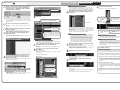
■ To swap the patch
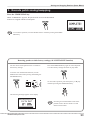
Continue pressing the key until "Swap?" appears on the display.
Location to
save patch
Patch to swap
HINT
• Swapping can only be between patches in the user (A–J) banks.
• When the unit is shipped from the factory, the user banks contain
the same patches as the preset banks.
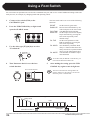
Second patch
to swap
2. Select the location to save or the other patch to swap
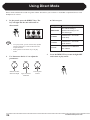
Use the [▼]/[▲] foot switches.
HINT
To switch banks, use the bank [▼]/[▲] keys.
NOTE
Swapping can only be between patches in the user (A–J) banks.
22
ZOOM G2Nu/G2.1Nu