1
4.1 Calibration/Front Sensor Calibration
Auto Adjustment
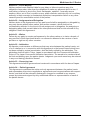
Two types of calibration can be performed:
• “Calibration” using a calibration sensor
• “Front Sensor Calibration” using a front sensor
Note: Select “Calibration“ for more accurate calibration.
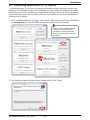
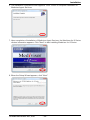
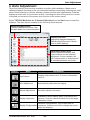
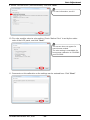
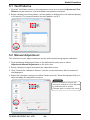
1. Click the Auto Adjustment button in the adjustment menu area or select Adjustment>
Auto Adjustment on the menu bar.
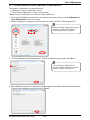
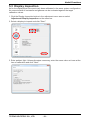
2.Select a display to calibrate in the Display Icon Area and click "Start adjustment."
When selecting "Apply the Previous
Settings," attach the calibration
sensor before clicking "Start."
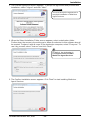
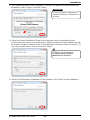
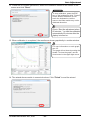
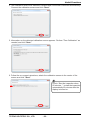
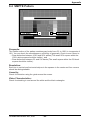
3. The Auto Adjustment Wizard appears. Select a calibration type and click "Next."
If "Front Sensor Calibration" is
selected, skip the following steps of
4 and 5, and go directly to 6.
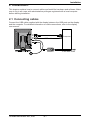
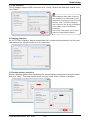
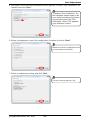
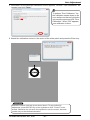
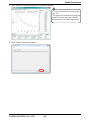
4. The calibration sensor that has been installed and connected is detected automatically.
Connect the calibration sensor and click "Next."
TOTOKU ELECTRIC CO., LTD.
- 21 -