1
Initial Setup
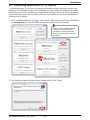
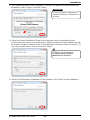
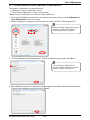
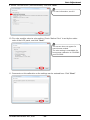
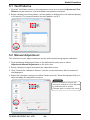
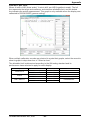
4) Display selection
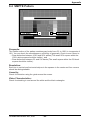
All connected displays are displayed, and the numbers appear on corresponding displays
as well. Select a display(s) to calibrate and click "Next."
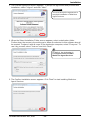
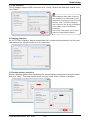
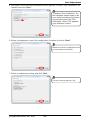
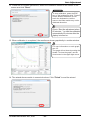
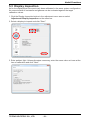
5) Serial #/Display model selection
Select a serial number that matches the one that is found on the product label attached
to the display or on the OSD control panel. Likewise, select a display model and click
"Next."
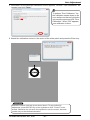
Follow the instructions in the
display’s manual on how to find a
serial number or a display model
on the OSD control panel.
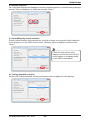
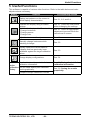
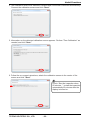
6) Testing standard selection
Select a QA testing standard and its performance class to apply for each display.
TOTOKU ELECTRIC CO., LTD.
- 18 -