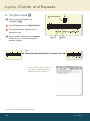
1
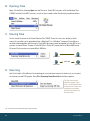
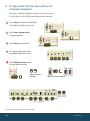
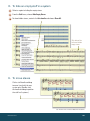
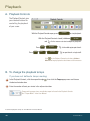
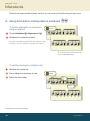
D. To hide an empty staff in a system
1
Select a region including the empty staves.
2
From the Staff menu, choose Hide Empty Staves.
3
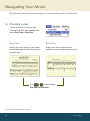
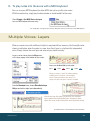
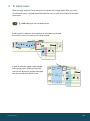
To show hidden staves, control-click this handle and choose Show All.
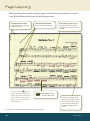
This dashed line
indicates hidden
empty staves
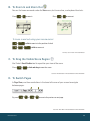
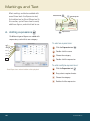
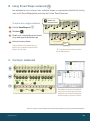
E. To move staves
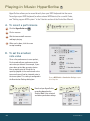
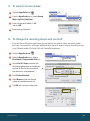
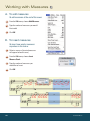
Click a staff handle and drag
to move it vertically for one
system only. (Double-click
the handle and drag to position
the staff in all systems.)
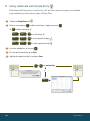
See “To move staves” in the User Manual for more details.
MACINTOSH
25