1
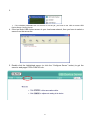
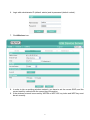
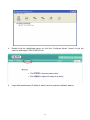
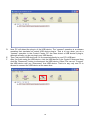
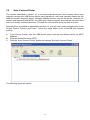
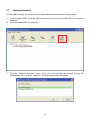
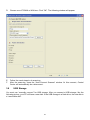
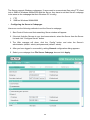
D. Choose one of TWAIN or WIA item. Click “OK”. The following window will appear.
E.
F.
3.8
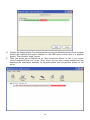
Follow the usual steps to do scanning.
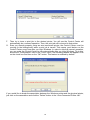
After the scanning, close the “Auto-Connect Scanner” window. At this moment, Control
Center will automatically do a disconnect.
USB Storage
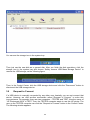
You must use “manually connect” for USB storage. After you connect a USB storage, like the
following picture, your PC will have a new disk. If the USB storage is a flash drive, the new disk is
a “removable disk”.
21