1
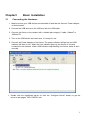
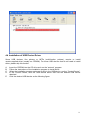
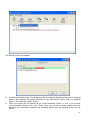
Now the driver of your USB device is installed.
4.5 Using the USB Device Server
A.
B.
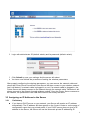
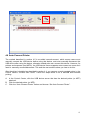
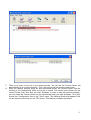
In the Control Center, click the USB device server that has the desired USB device attached.
Click the desired USB device.
C.
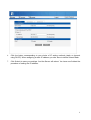
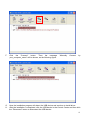
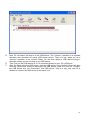
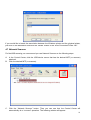
Click the “Connect” button. Then the message “Manually Connect by
your_computer_name” will be shown.
13