1
System Functionality
171
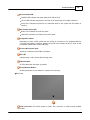
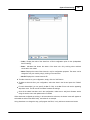
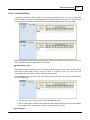
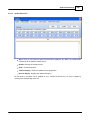
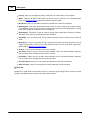
the contact is open in neutral position.
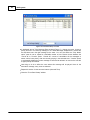
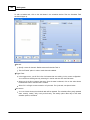
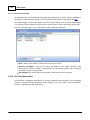
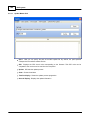
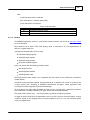
Latch Mode: By ticking this option you will set the contact to be in latch mode. It means that
you will need on trigger to open/close the contact and one more trigger to get it back to the
neutral position.
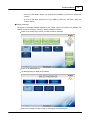
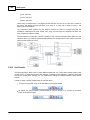
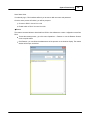
Event Setting: By clicking start you will be able to associate an event to this input.
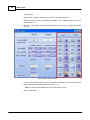
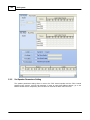
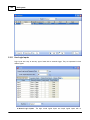
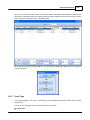
5.2.11.2 Evacuation Inputs
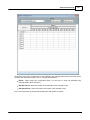
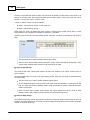
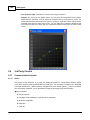
Evacuation input have been design to offer monitoring on logical inputs as well as UGA mode, even
though they can be used as normal logic inputs, in order to provide an higher security level for external
trigger.
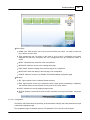
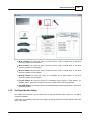
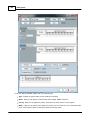
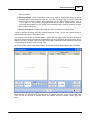
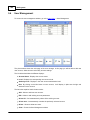
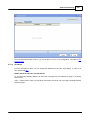
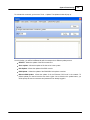
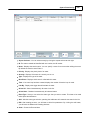
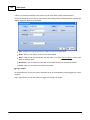
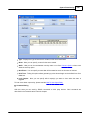
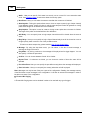
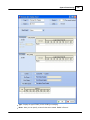
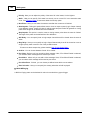
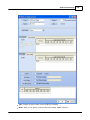
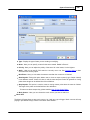
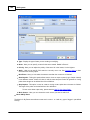
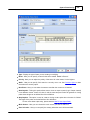
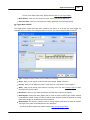
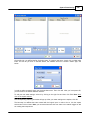
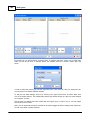
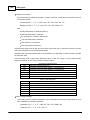
Name: Here you can specify a name by simply clicking in the box.
Normally Close/Open: Here you can specify the behaviour of the inputs. Normally closed
means that the contact is closed in neutral position and reciprocally normally open means that
the contact is open in neutral position.
Latch Mode: By ticking this option you will set the contact to be in latch mode. It means that
you will need on trigger to open/close the contact and one more trigger to get it back to the
neutral position.v
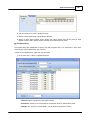
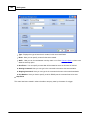
Monitor: By ticking this option in contact or UGA monitoring mode, you will define an input as a
monitored logical input.
Event Setting: By clicking start you will be able to associate an event to this input.
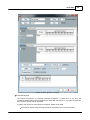
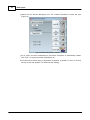
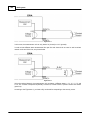
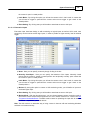
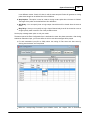
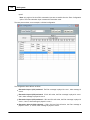
Monitor Mode: With the drop down menu, you can choose between contact monitoring mode or
UGA mode. Contact monitor mode implies the use of an resistor network on a contact, see How
To Create a Monitorable Button. The UGA mode is based on polarizing the input with an external
24VDC source provided by external devices.
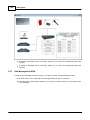
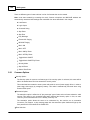
Note: The UGA mode is an alternative way of using contact. It does not offer real monitoring behaviour
and does not increase security.
© 2012 ATEÏS