1
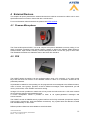
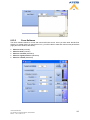
6.3.2 Fireman Microphone
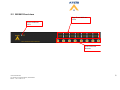
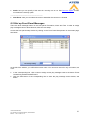
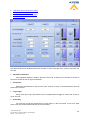
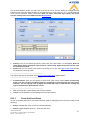
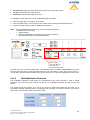
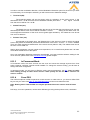
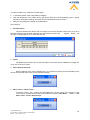
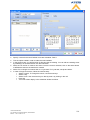
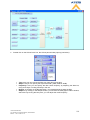
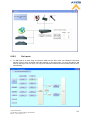
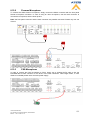
Next steps are for zone call with the fireman microphone:
•
•
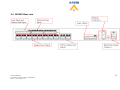
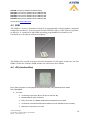
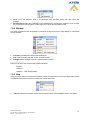
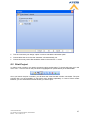
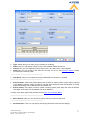
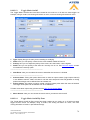
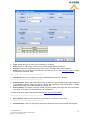
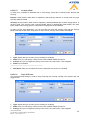
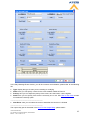
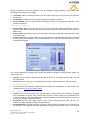
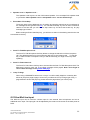
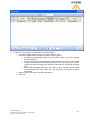
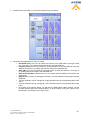
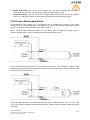
Press the zone button(s) where you want the call to be played. The corresponding green selection
LED(s) should light(s) up
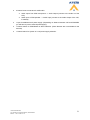
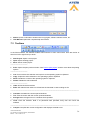
Press the fireman microphone contact to start speaking in the selected zone(s), the corresponding
EVAC LED(s) should light(s) up
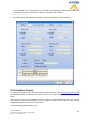
Note: If the fireman microphone paging event has pre-defined zones, pressing the microphone button
will start a call in the pre-defined zone. In case of doing a call in manually selected zone, the next
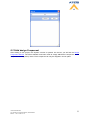
microphone call will take place in the pre-defined zones after a adjustable delay, see How To Use
Fireman Microphone.
Ateïs International
Ch. du Dévent, 1024 Ecublens, Switzerland.
Phone : +41 21 881 25 10
28