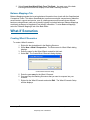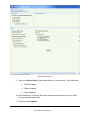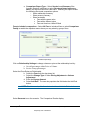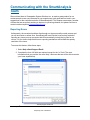
1
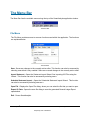
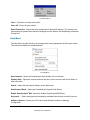
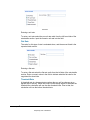
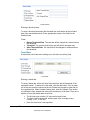
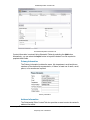
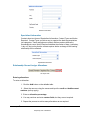
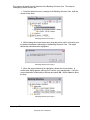
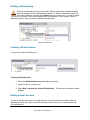
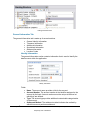
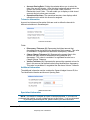
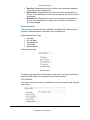
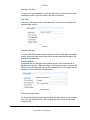
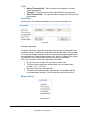
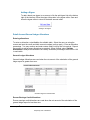
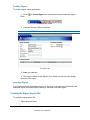
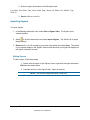
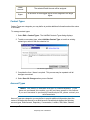
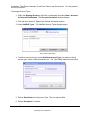
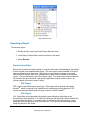
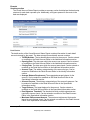
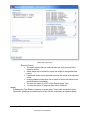
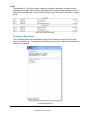
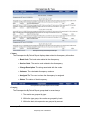
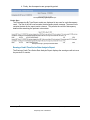
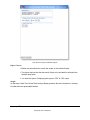
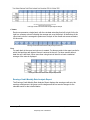
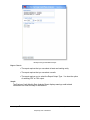
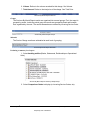
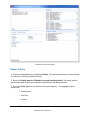
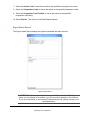
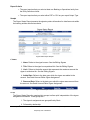
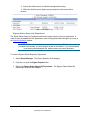
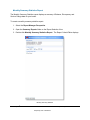
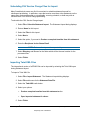
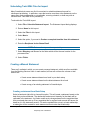
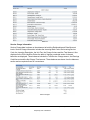
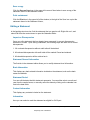
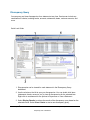
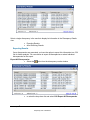
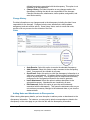
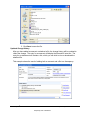
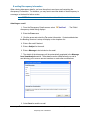
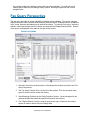
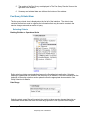
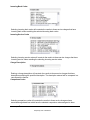
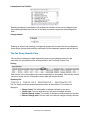
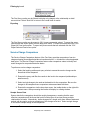
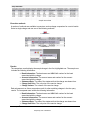
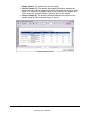
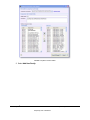
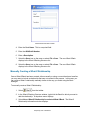
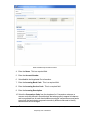
Creating a statement from the latest statement in a Bank Select a bank and right-click to choose this option. A copy of the latest bank statement will be created and opened in an editor. This will yield the same result as if you selected the latest statement yourself, right-clicked, and chose the option to Copy a Statement. Copying a statement Select a statement and right-click to choose this option. A copy of the selected bank statement will be created and opened in an editor. Viewing a Statement You can view the contents of a statement by using the Statement Viewer, which can be accessed by right-clicking on a statement in the banking structure view and selecting View Statement. Statement Structure The statement viewer presents the statement in a PDF format. The PDF is organized into sections. These sections are organized in a hierarchical fashion. The structure of which is similar to the following: Entity Header o Relationship Header Rate Information Balance Information Service Charge Information Detail Account Header Rate Information Balance Information Service Charge Information Entity Header The entity header includes general information about the statement, including date, contact and bank data. Contacts, if present, are displayed in a table below the header. SmartAnalysis® is a trademark of 137 Proprietary and Confidential Chesapeake System Solutions